Monitoring
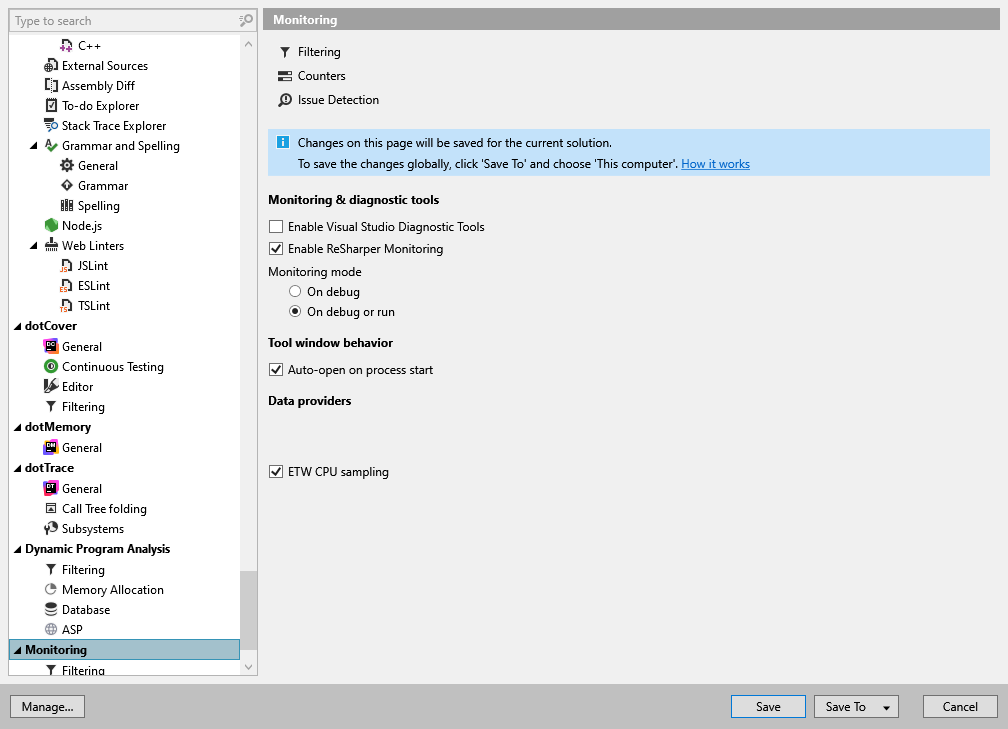
Monitoring and diagnostic tools |
Monitoring mode
|
Tool window behavior |
|
Data providers | ETW CPU sampling – data provider for background profiling. If disabled, the background profiling and issue detection features are not available. |
Monitoring and diagnostic tools |
Monitoring mode
|
Tool window behavior |
|
Data providers | ETW CPU sampling – data provider for background profiling. If disabled, the background profiling and issue detection features are not available. |