Inspections
Each inspection is a set of conditions to analyze the code, detect and correct abnormal fragments in it. Qodana inspections can find and highlight various problems, locate dead code, find probable bugs, spelling problems, and thus facilitate improving the overall code structure.
All inspections are highly configurable, so you can configure:
Which inspections to analyze your codebase with. There are many available inspections, which you can enable in the YAML file. You can also enable and disable inspections in Qodana Cloud, on the Inspections tab.
What directories and files to include in your code analysis. If you feel that you do not need to analyze any file or group of files, you can exclude them from code analysis.
How you can configure and use inspection profiles. You can use the preset combinations of inspections specified by inspection profiles aimed at solving specific tasks or create your custom profile that would meet your unique needs.
Available inspections
You can explore available Qodana inspections using the Inspectopedia website. This website provides details about inspections: descriptions, severity levels, languages covered, etc.
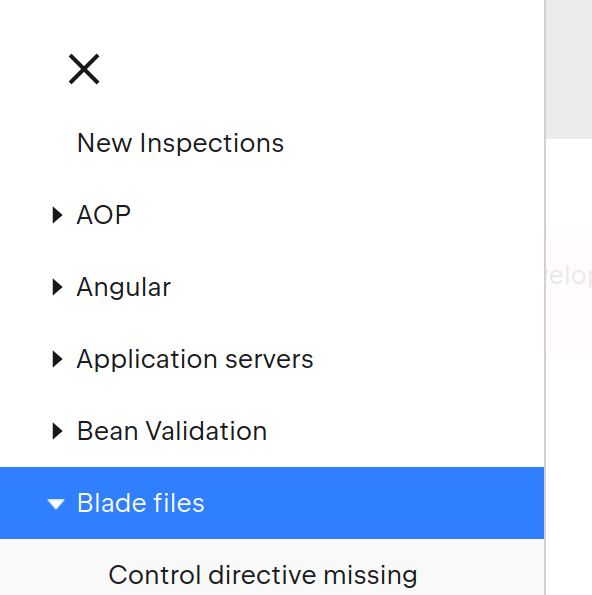
Use the table of contents to explore all available inspections:
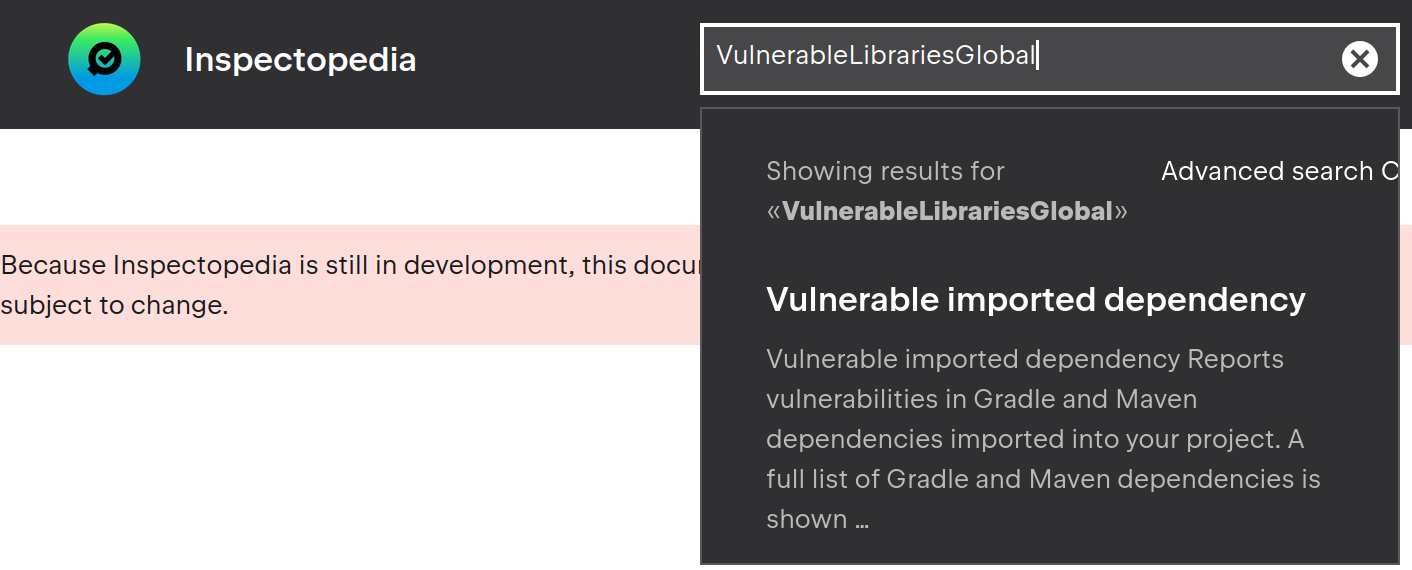
Alternatively, you can search for particular inspections by their names, or identifiers:
Inspection profiles
Inspection profiles let you combine and configure inspections that you would like Qodana to use. The detailed description of inspection profiles is available in the Inspection profiles section.