Specify types with docstrings
Introduction
You debug your code permanently, and now in the course of debugging you can also collect type information and specify these types in docstrings.
PyCharm provides an intention action that makes it possible to collect type information at runtime, and define type specifications.
However, it is quite possible to specify the types of parameters manually, without the debugger.
Both cases are explored in the section Examples.
Specify types
Specify parameter types
Press Ctrl+Alt+S and go to .
Select the Insert type placeholders in the documentation comment stub checkbox.
Place the caret at the function name, and press Alt+Enter.
In the list of intention actions that opens, choose Insert a documentation string stub. PyCharm creates a documentation stub, according to the selected docstring format, with the type specification, collected during the debugger session.
Specify return type
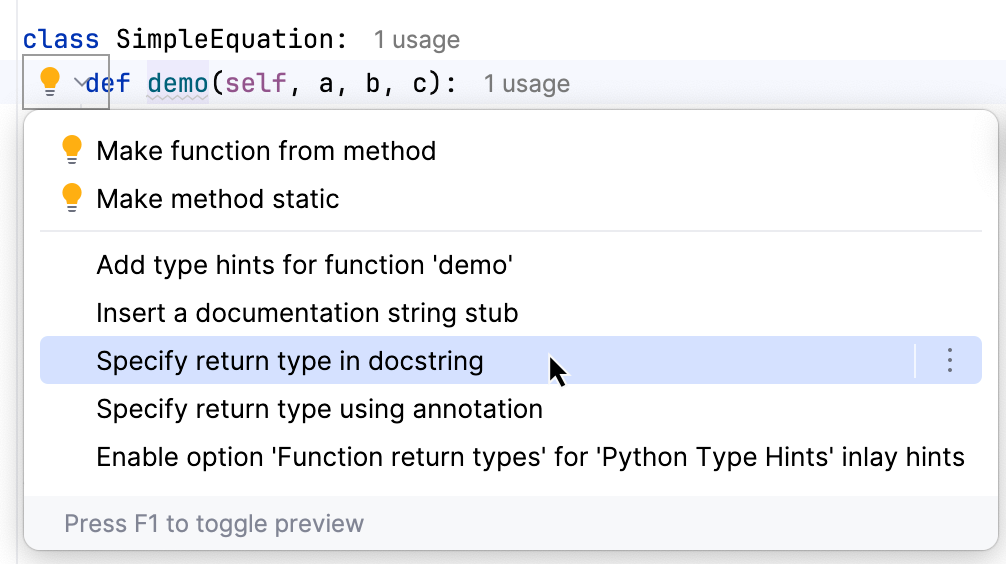
You can also document what a function returns. PyCharm will generate a :return: and :rtype: section (or their equivalent in the selected docstring format).
Place the caret at the function name, and press Alt+Enter.
In the list of intention actions that opens, choose Specify return type in docstring.
Example
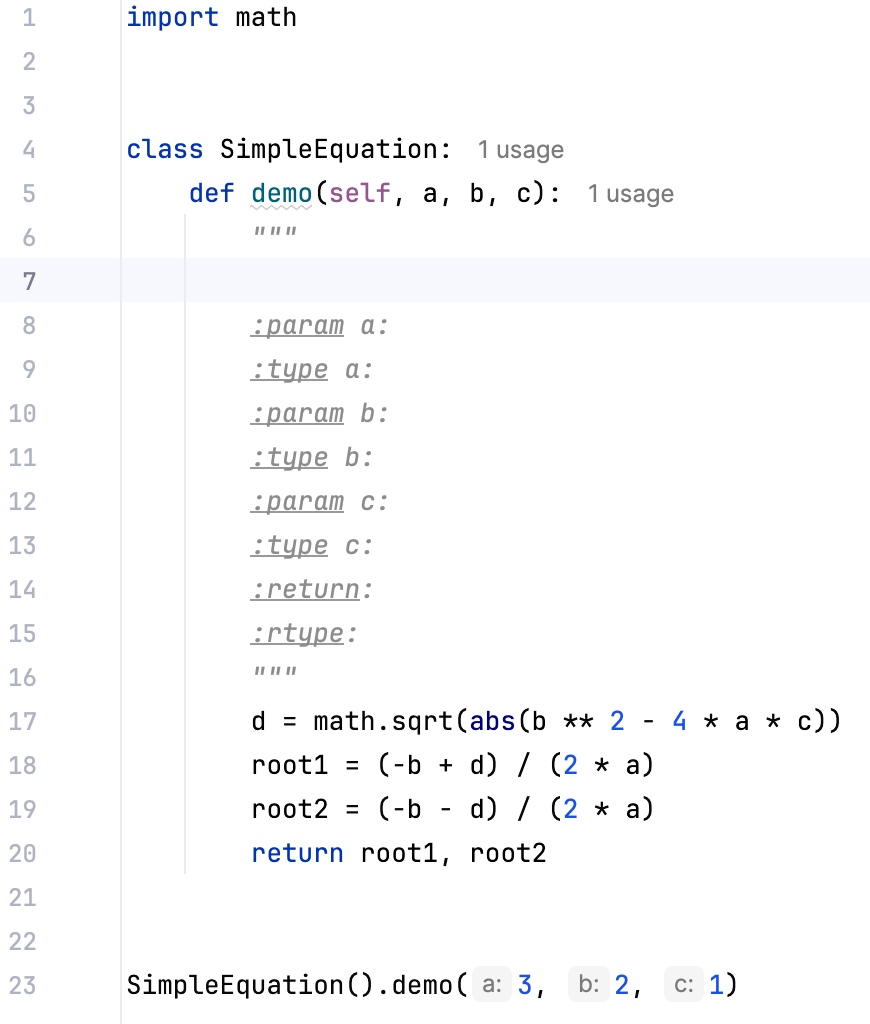
Consider the following code:
Specify types manually
Place the caret at the name of the function (here it is
demo). The suggested intention action is Insert documentation string stub. For more information, refer to Create documentation comments.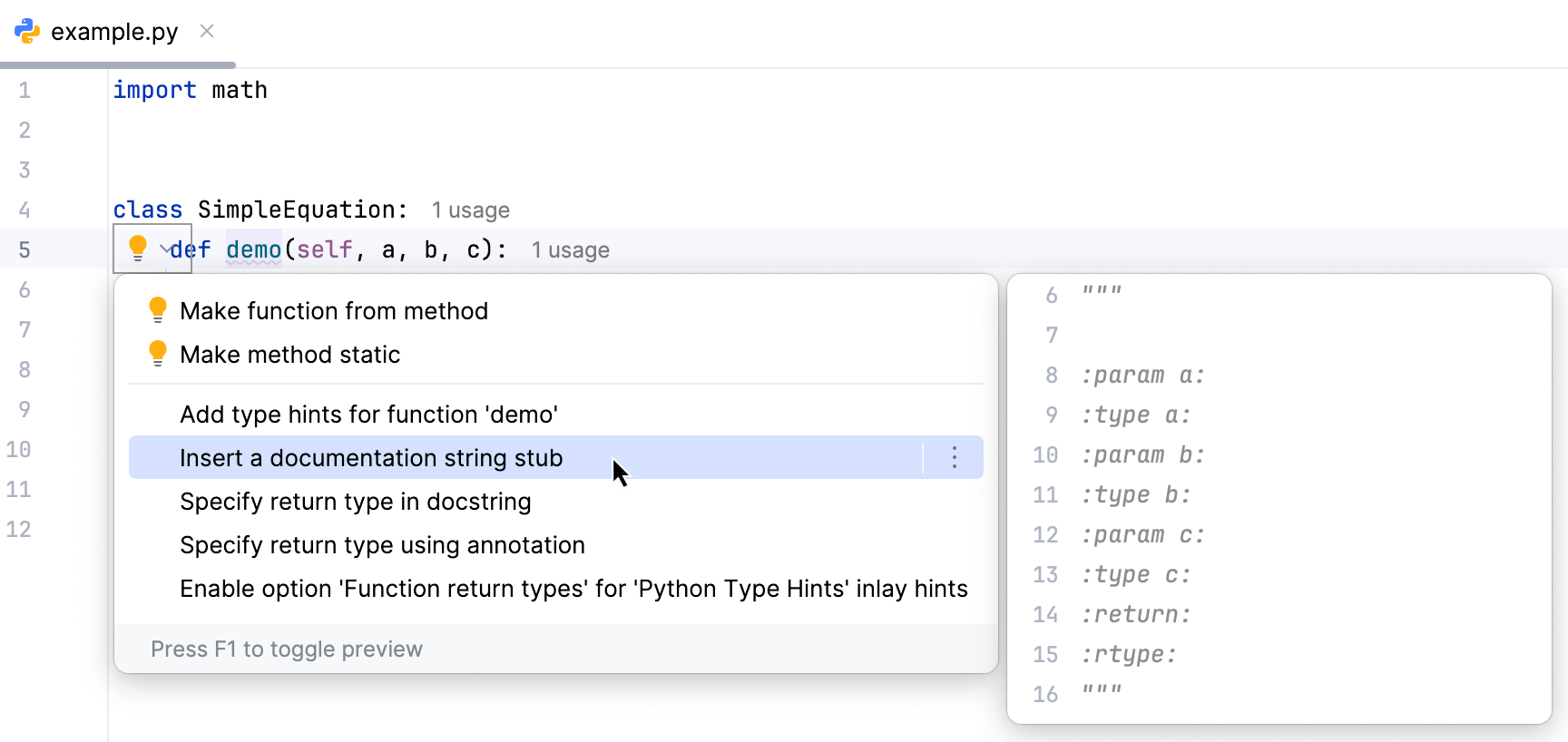
Click this intention to produce the documentation comment stub in the reStructuredText format:
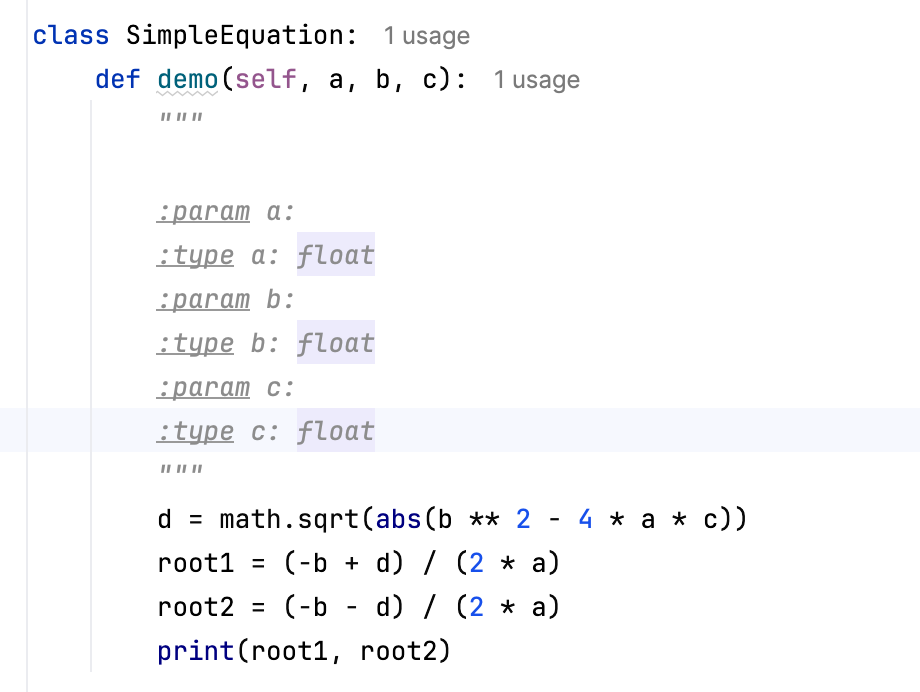
Manually specify the desired types of the parameters:
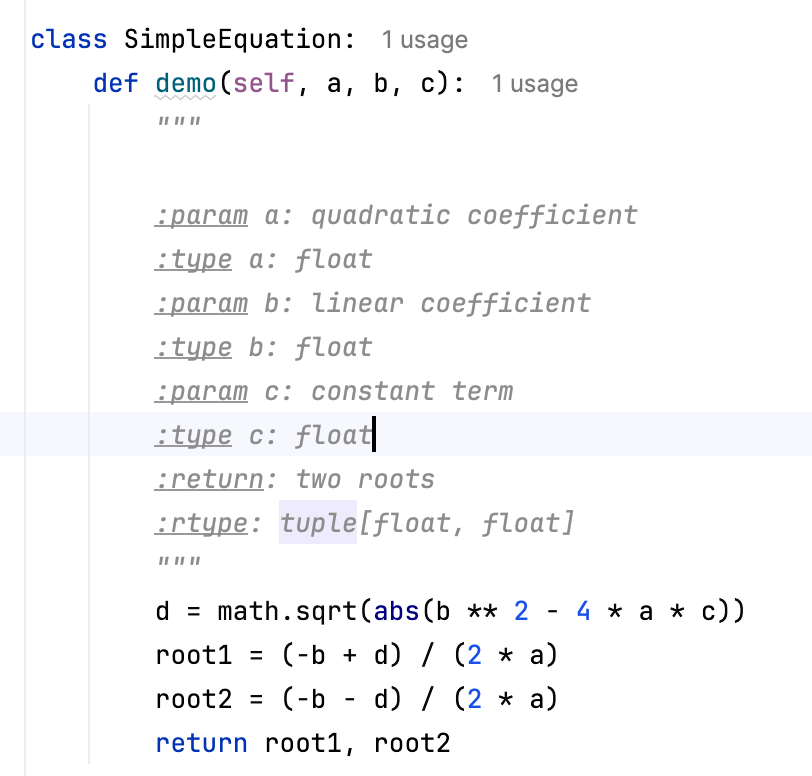
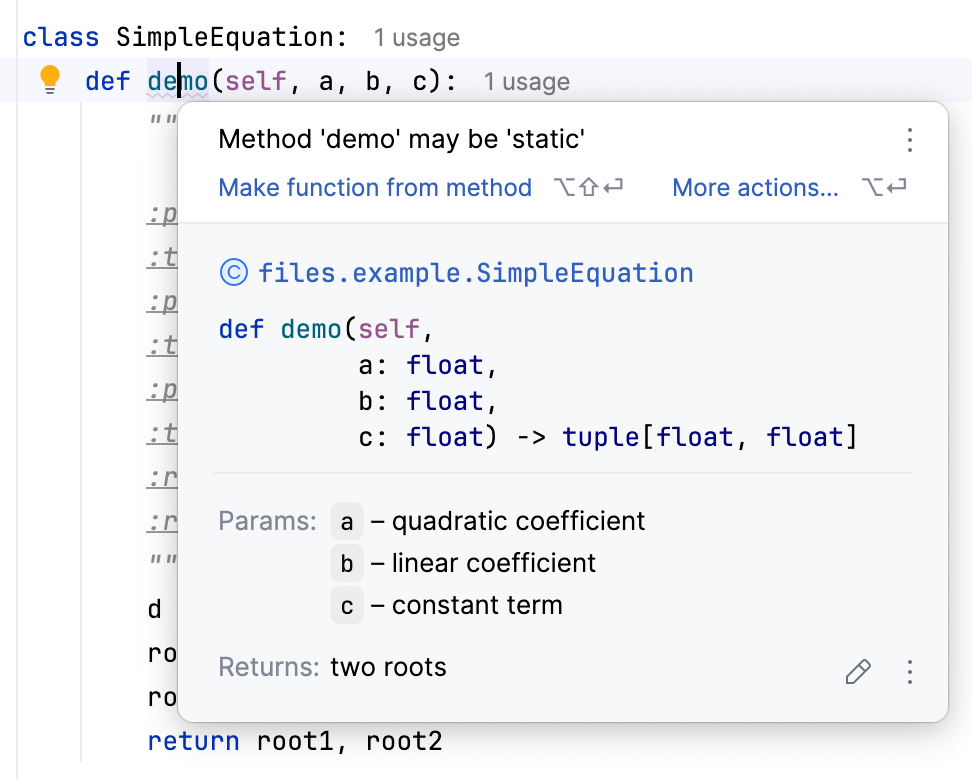
By the way, you can use quick documentation for the function. If you place the caret at the function name and press Ctrl+Q, you will see:
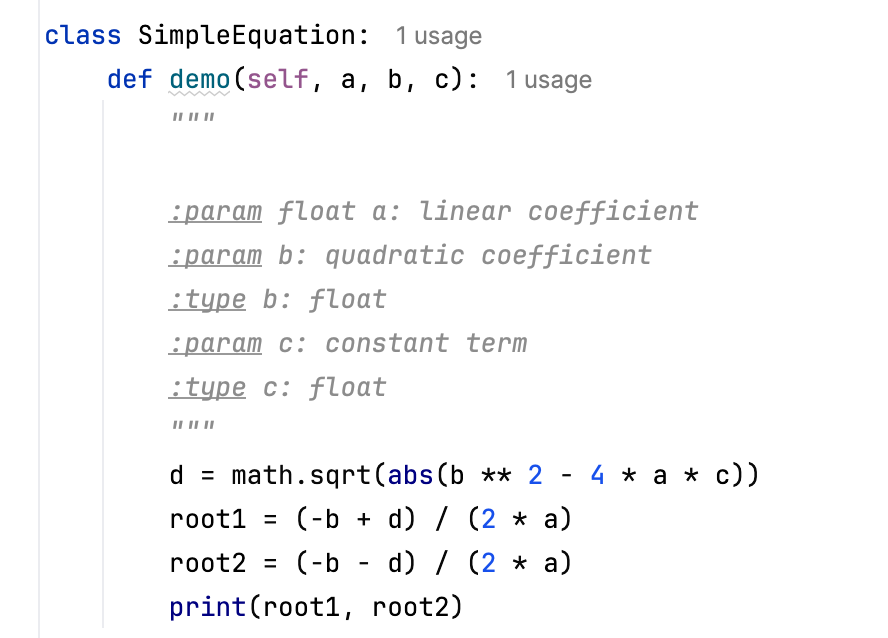
Note that for reStructuredText it's possible to specify types in two formats:
:param param_type param_name: parameter description(type description is on the same line as the parameter description).:type param_name: param_type(type description is on a separate line)
Both variants are shown below:
Specify types with the aid of the debugger
Press Ctrl+Alt+S and go to . In the Debugger page, select the Collect runtime information for code insight checkbox.
Debug the function call. Place the caret at the function name, and press Alt+Enter. In the list of intention actions that opens, choose Insert a documentation string stub.
Information about the arguments and return values obtained during the debugging session will be used to pre-populate type annotations in a docstring.
Inspect the result: