PyScript
PyScript is a framework that allows you to create Python applications in the browser using HTML interface.
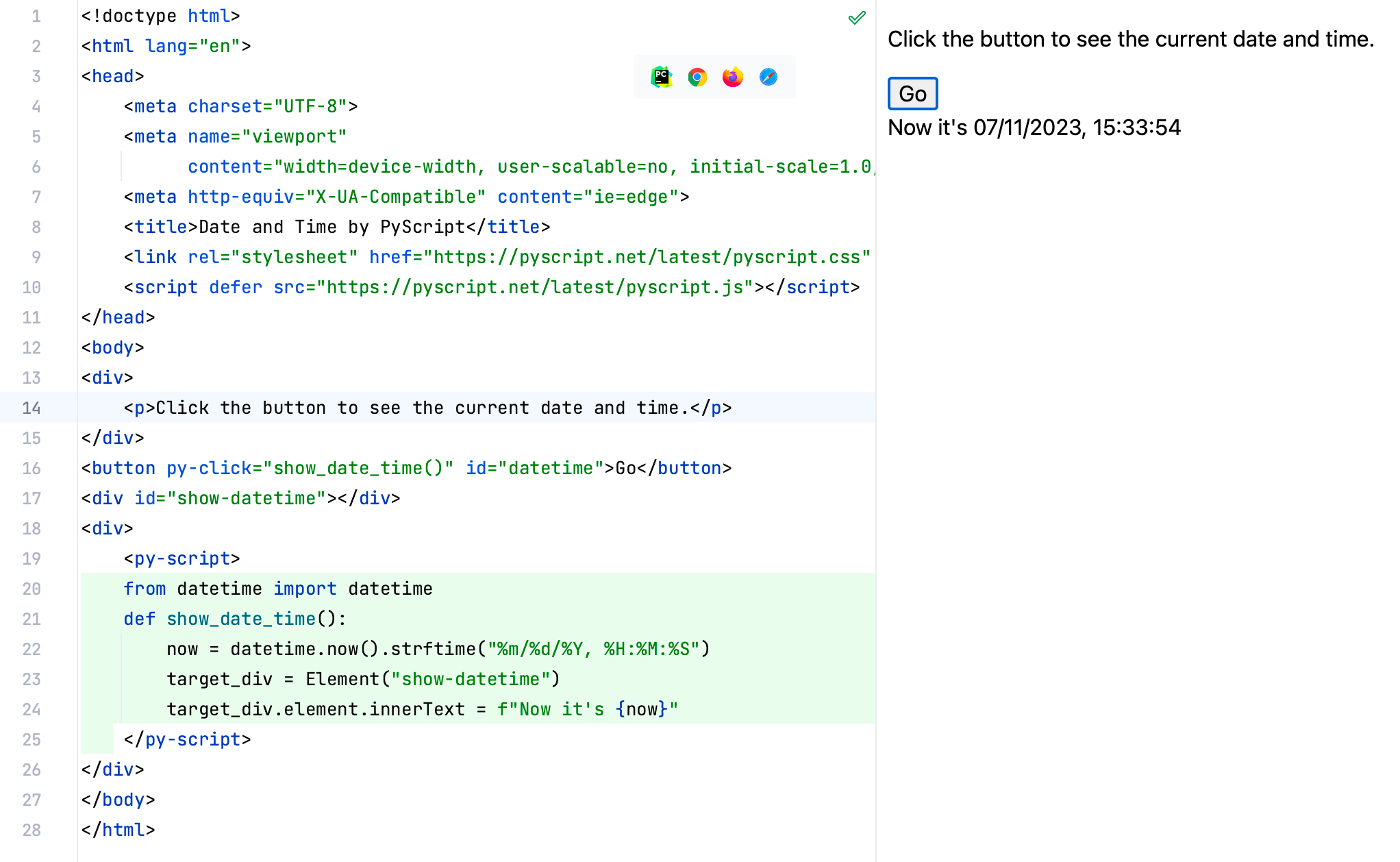
PyCharm provides basic code completion and validation for Python code in an HTML file written using PyScript.
Add Python code to HTML file using PyScript
In the HTML file, inside the
headtag, add the following tags with the CDN links topyscript.jsandpyscript.css:<link rel="stylesheet" href="https://pyscript.net/releases/2025.7.3/core.css"/> <script type="module" src="https://pyscript.net/releases/2025.7.3/core.js"></script>You can use the Download library quick-fix to store these files locally.
Add a
py-scripttag to the body of the HTML file.Add Python code to the
py-scripttag. PyCharm will highlight the Python code inside this tag and provide code completion.
When you've added Python code to the HTML file, you can preview the output in a browser. For more information about previewing HTML files, refer to Viewing Pages with Web Contents.