Pattern matching
PyCharm provides support for pattern matching introduced in PEP-634, PEP-635, and PEP-636 and available since Python 3.10.
Pattern matching has been added in the form of a match statement and case statements of patterns with associated actions:
Patterns consist of sequences, mappings, primitive data types, and class instances. Pattern matching allows extracting information from complex data types, branch on the structure of data, and apply specific actions based on different forms of data. For more information about examples and use cases, refer to the feature overview at docs.python.org and PEP-636 (tutorial).
PyCharm provide the following coding assistance for pattern matching:
Syntax highlighting
PyCharm supports parsing and highlighting of the matching syntax.
To alter the default code styles, press Ctrl+Alt+S to open settings and select Editor | Code Style | Python. See more details in Configuring code style.
Keyword completion
Start typing one of the pattern matching specific keywords, such as match or case, and PyCharm will show you a completion list for quick editing.
See Code completion for more details about code completion in PyCharm.
Code inspections
With code inspections available in PyCharm, you can detect problematic parts of code in pattern matching constructs.
To configure code inspections, press Ctrl+Alt+S to open settings and select Editor | Code Style | Python, then locate the inspection you want to edit, and apply the changes. See more details in Change inspection severity and Disabling and enabling inspections
Unreachable code
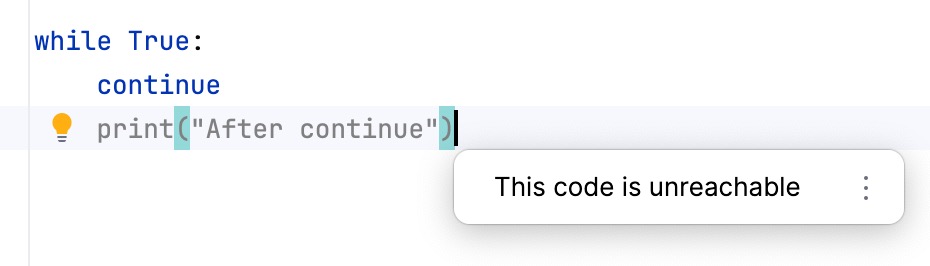
PyCharm shows a warning when a code element cannot be reached during execution. In pattern matching constructs, this typically occurs when multiple patterns are defined, but one of them already matches all possible inputs — making the patterns below it unreachable.
Unreachable code is also highlighted in gray in the editor.
Redeclared variable
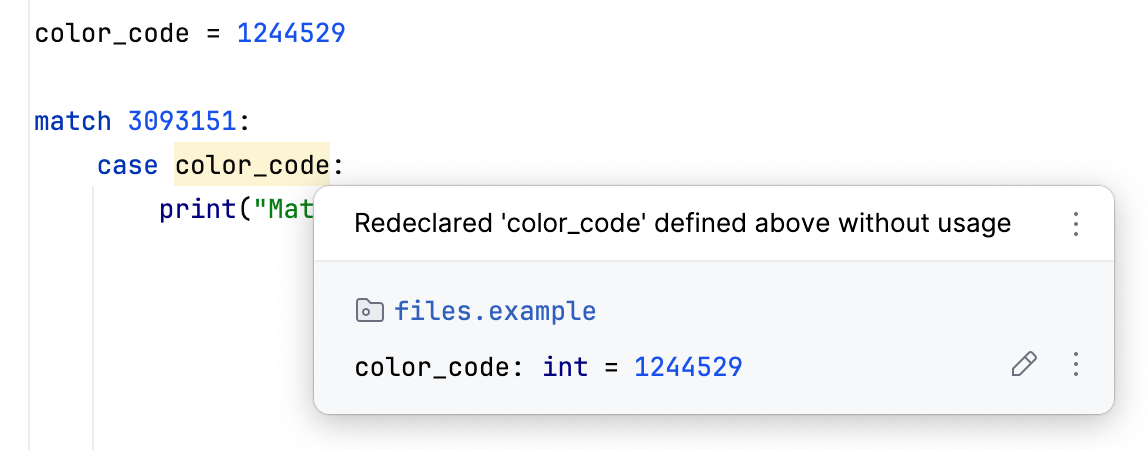
When you declare a variable name that is used in pattern matching, PyCharm highlights it and shows a warning. This happens because variable names are assignments, and their previous values are not taken into account.