Introduce Parameter
The Introduce Parameter refactoring is used to add a new parameter to a function declaration and to update the function calls accordingly.
Introduce a Python parameter in place
In the editor, place the caret within the expression to be replaced by the parameter.
Press Ctrl+Alt+P to extract a parameter or select in the main menu. Alternatively, select from the context menu.
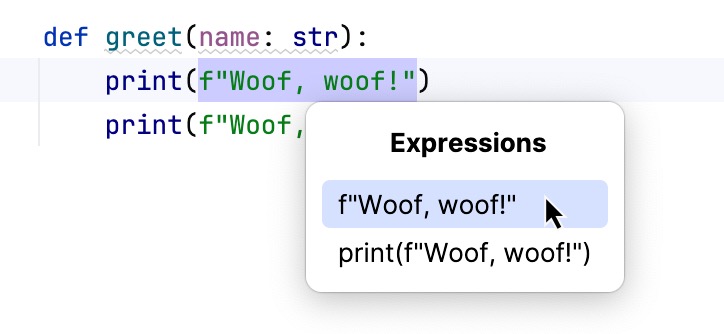
If more than one expression is detected for the current caret position, the Expressions list appears. If this is the case, click the expression to select it. Alternatively, use the Up and Down arrow keys to navigate to the expression of interest and then press Enter to select it.
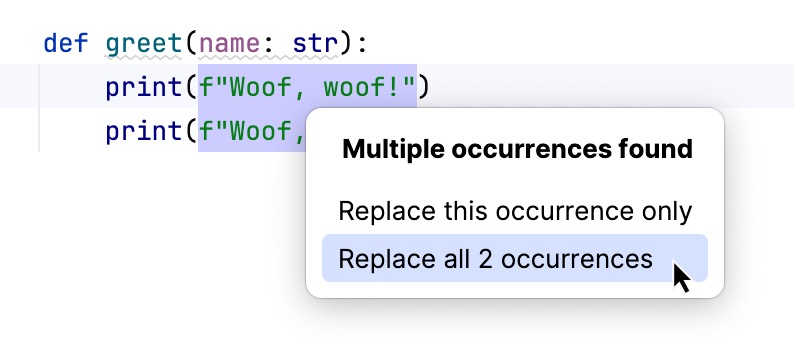
If more than one occurrence of the expression is found, specify whether you wish to replace only the selected occurrence or all the found occurrences.
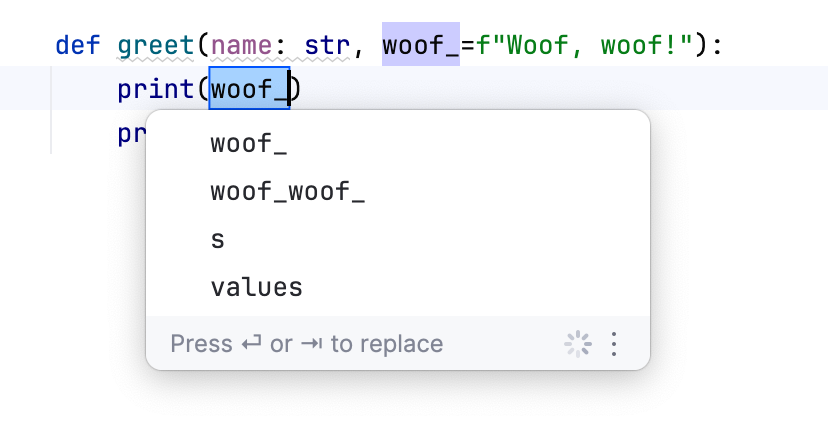
Select a name from a list that opens or type your own name and press Enter.
Introduce a parameter using the dialog
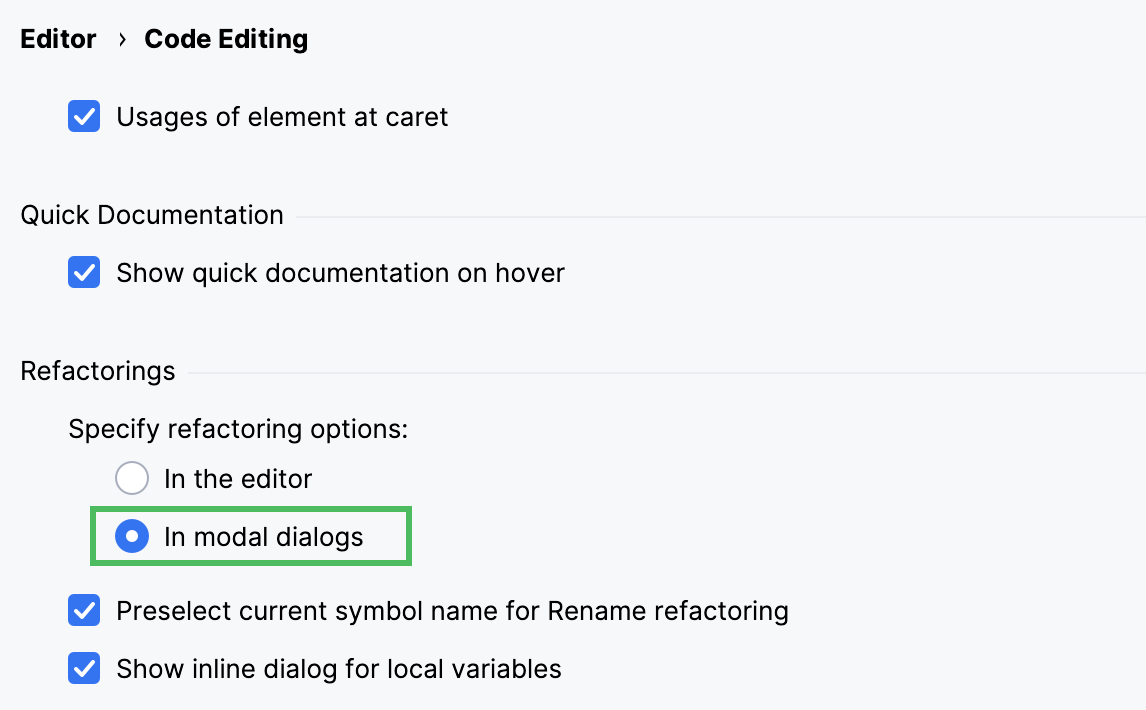
By default, PyCharm uses the in-place refactoring. To use the dialog for the refactoring, open the Settings dialog (Ctrl+Alt+S) , go to Editor | Code Editing, and select the In modal dialogs refactoring option in the Refactorings area.
In the editor, select an expression or declaration of a variable you want to introduce as a parameter.
Press Ctrl+Alt+C to introduce a constant or select in the main menu.
In the Extract Parameter Dialog that opens, specify the name of the new parameter.
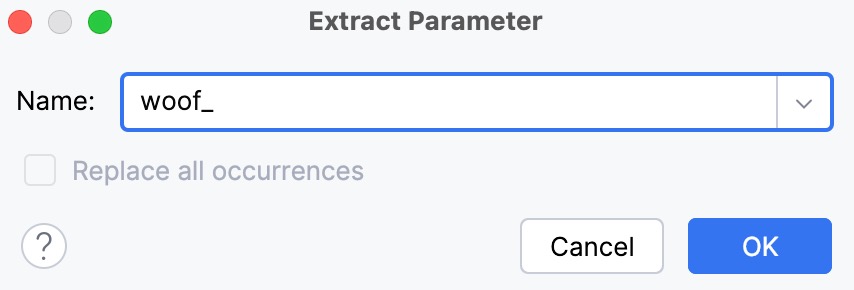
To automatically replace all occurrences of the selected expression (if it is found more than once), select the option Replace all occurrences.
Click OK to create the parameter.