Create and manage subprojects
A large project can be split into smaller parts, such as a backend, an API, and shared code. Each part can be configured as a separate subproject with its own pyproject.toml file.
PyCharm uses the pyproject.toml files in the project directory structure to detect and configure subprojects.
You can create a new subproject with uv, Poetry, Hatch, or pip, or convert an existing directory into a subproject.
Create a subproject
In the Project tool window, right-click the directory where you want to create the subproject.
Select
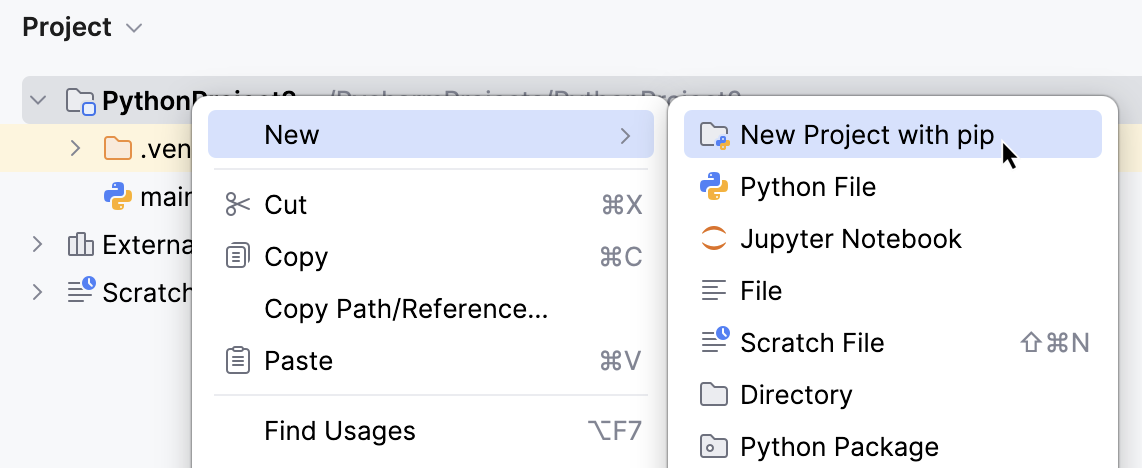
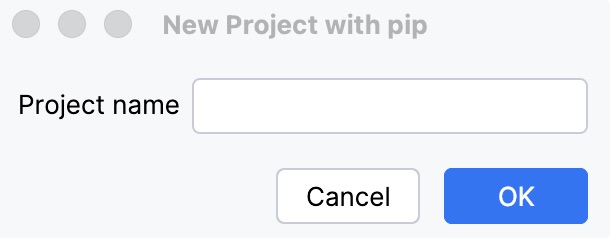
In the dialog that opens, specify the subproject name and click OK.
Convert a directory to a subproject
You can convert an existing directory into a subproject.
In the Project tool window, right-click the directory that you want to convert.
Select Convert to Project with....
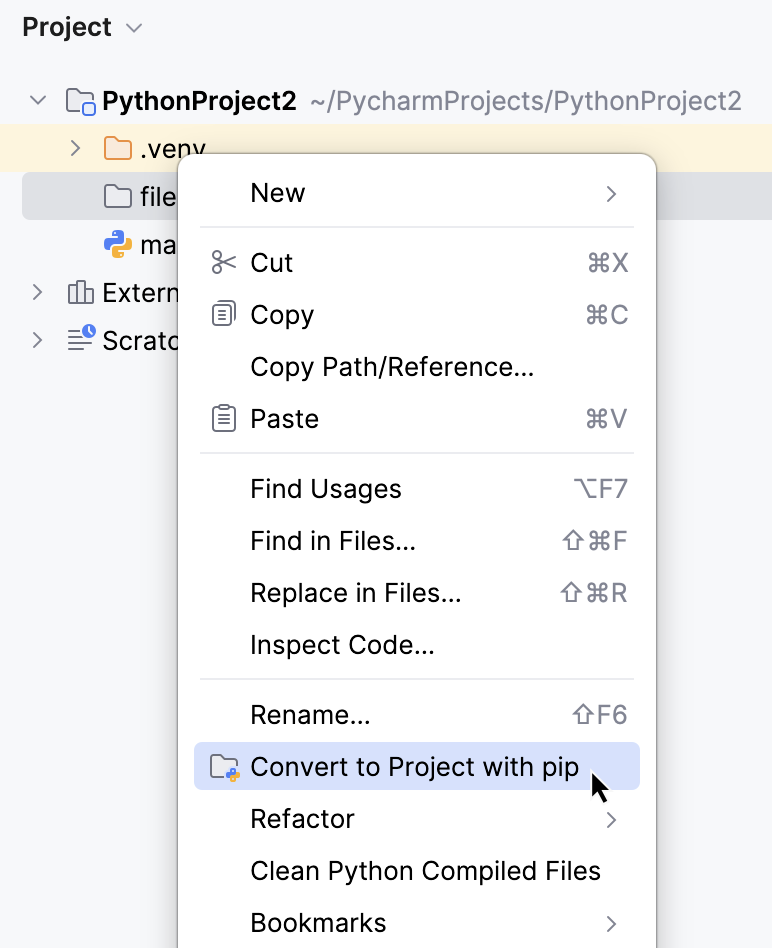
PyCharm initializes a subproject in the selected directory. Existing files in the directory are preserved.