Cleaning system cache
PyCharm caches a great number of files, therefore the system cache may become overloaded. Sometimes the caches will never be needed again, for example, if you work with frequent short-term projects. Also, the only way to solve some conflicts is to clean out the cache.
In the main menu, go to .
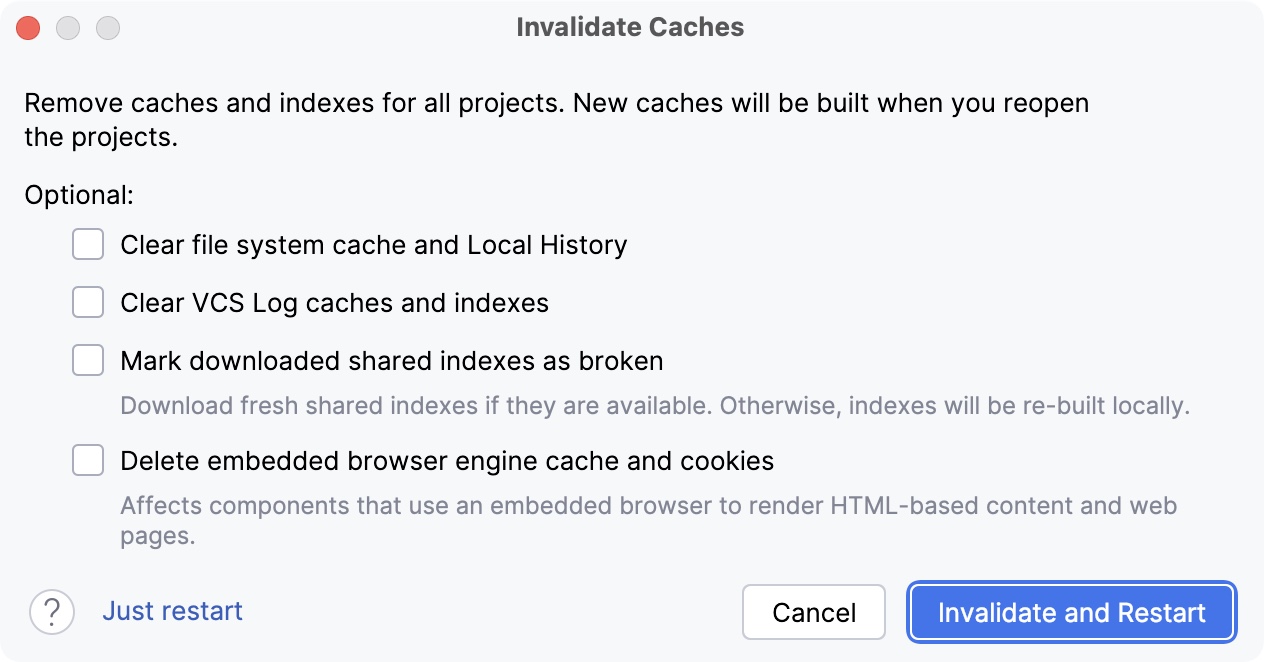
In the Invalidate Caches dialog, select the relevant action. You can invalidate the caches and restart the IDE or just restart the IDE.
For more information about various user-specific files, refer to Directories used by the IDE.
01 July 2025