Confirm Drop dialog
In the Database tool window, right-click the database object you want to drop and navigate to . Alternatively, or press Delete.
Click OK to remove the selected item or items. To copy the SQL statement or statements into the query console, click  Open query in console on the right side of the dialog.
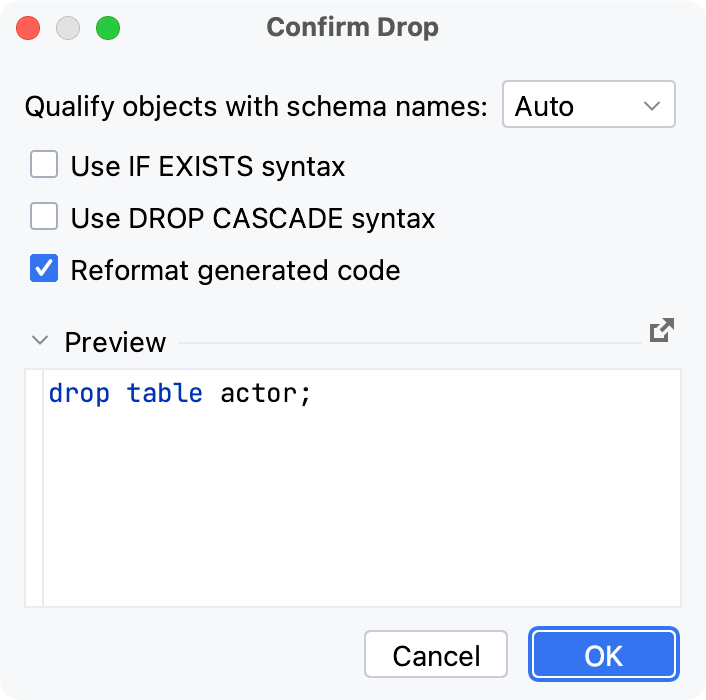
Item | Description |
|---|---|
Qualify objects with schema names | Adds a schema name to the database object name. You can qualify a database object when you have two and more database objects with identical names in different schemes. This option has the following parameters:
|
Use IF EXISTS syntax | Ensures that the database object exists. |
Use DROP CASCADE syntax | Deletes the objects that depend on the database object that you delete. For example, if you delete a table, the views that depend on it will be deleted). |
Reformat generated code | Reformat generated code with the current code style profile. This option affects generated code only and does not affect the code received directly from the server. |
Preview | The statement or statements to be run to remove the selected item or items. If necessary, you can edit the statements right in this pane. The statements are executed when you click OK. |