Diffs and review
Diff viewer
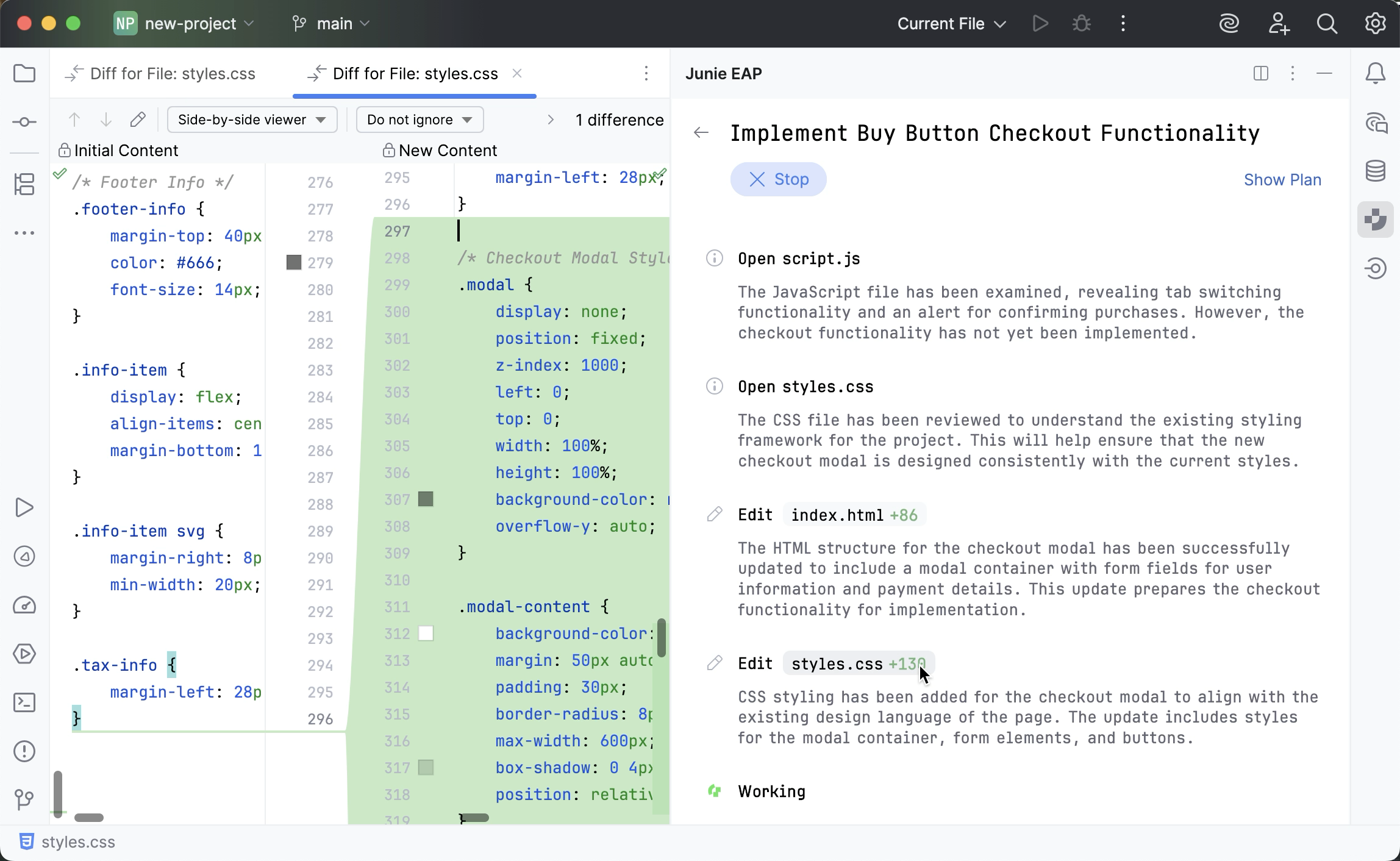
As Junie reports which project files it adds or edits, it also provides links to view the code changes in the diff viewer.
Apply/reject
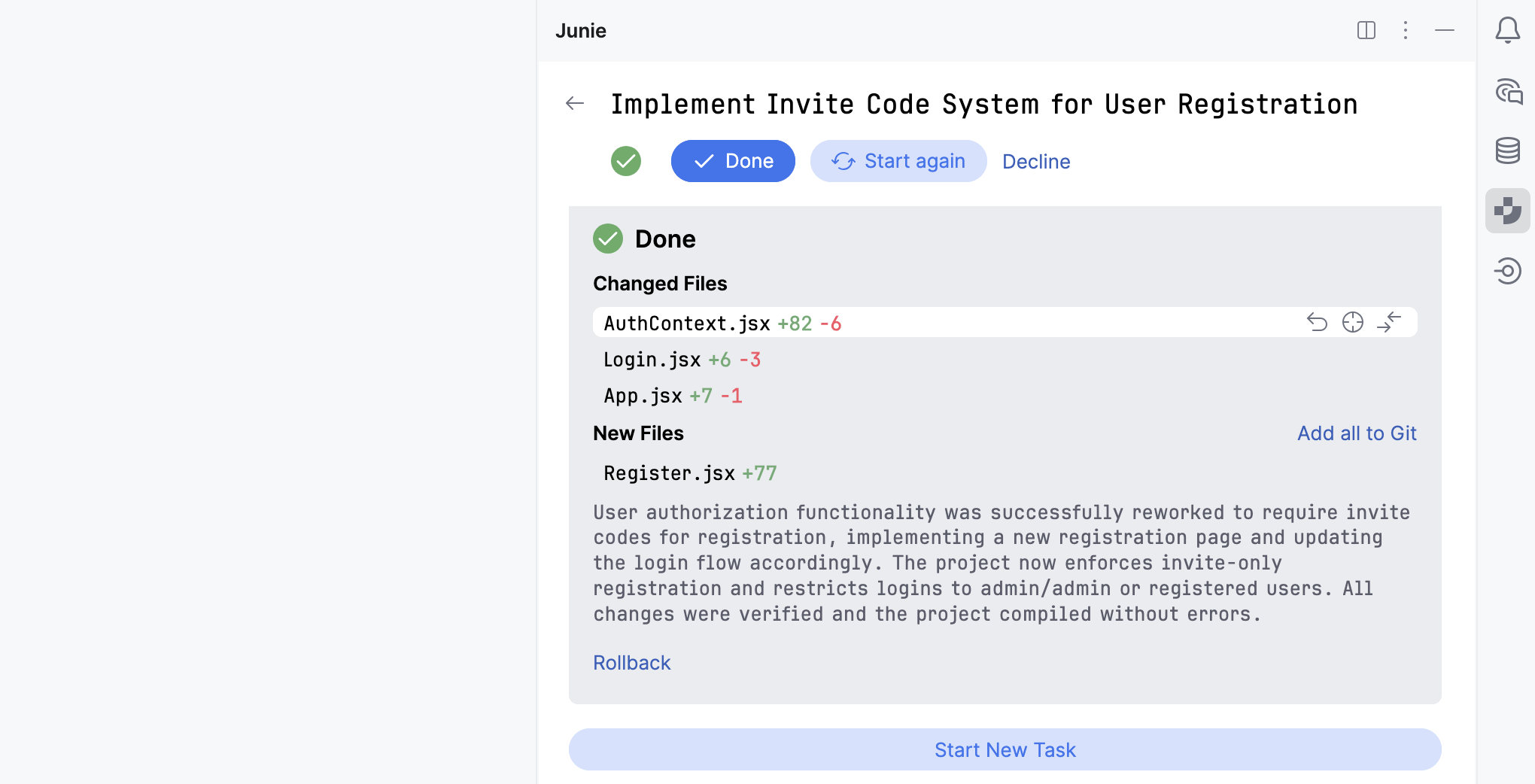
When Junie completes the task execution, all changed and added files are listed in the Done panel.
From here, you can review and selectively revert the code changes file by file before accepting or rejecting the prompt execution result.
Open Junie's terminal
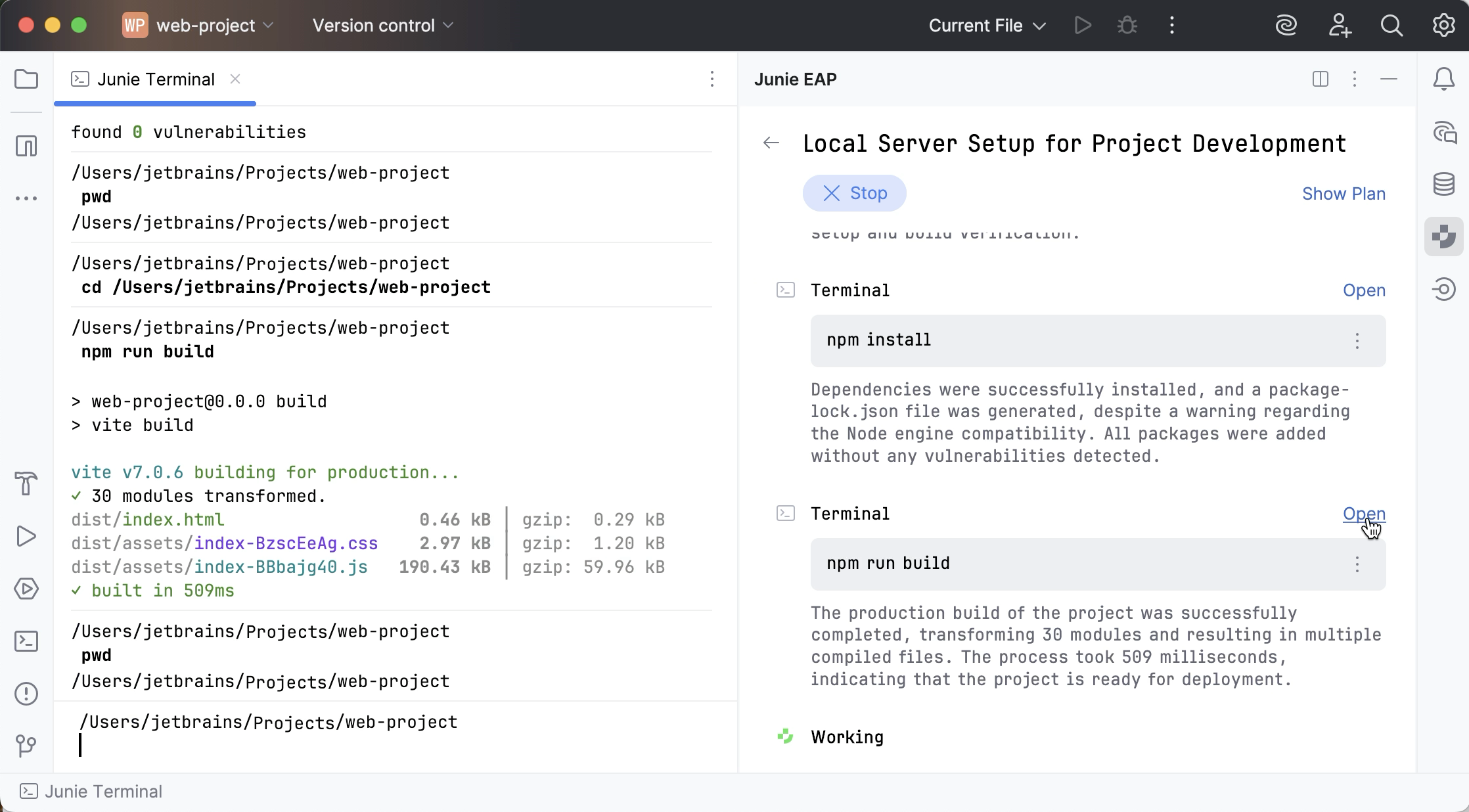
You can open Junie's terminal to view the output of the CLI commands that the agent runs or provide user input in case the currently executed command is waiting for it.
10 October 2025