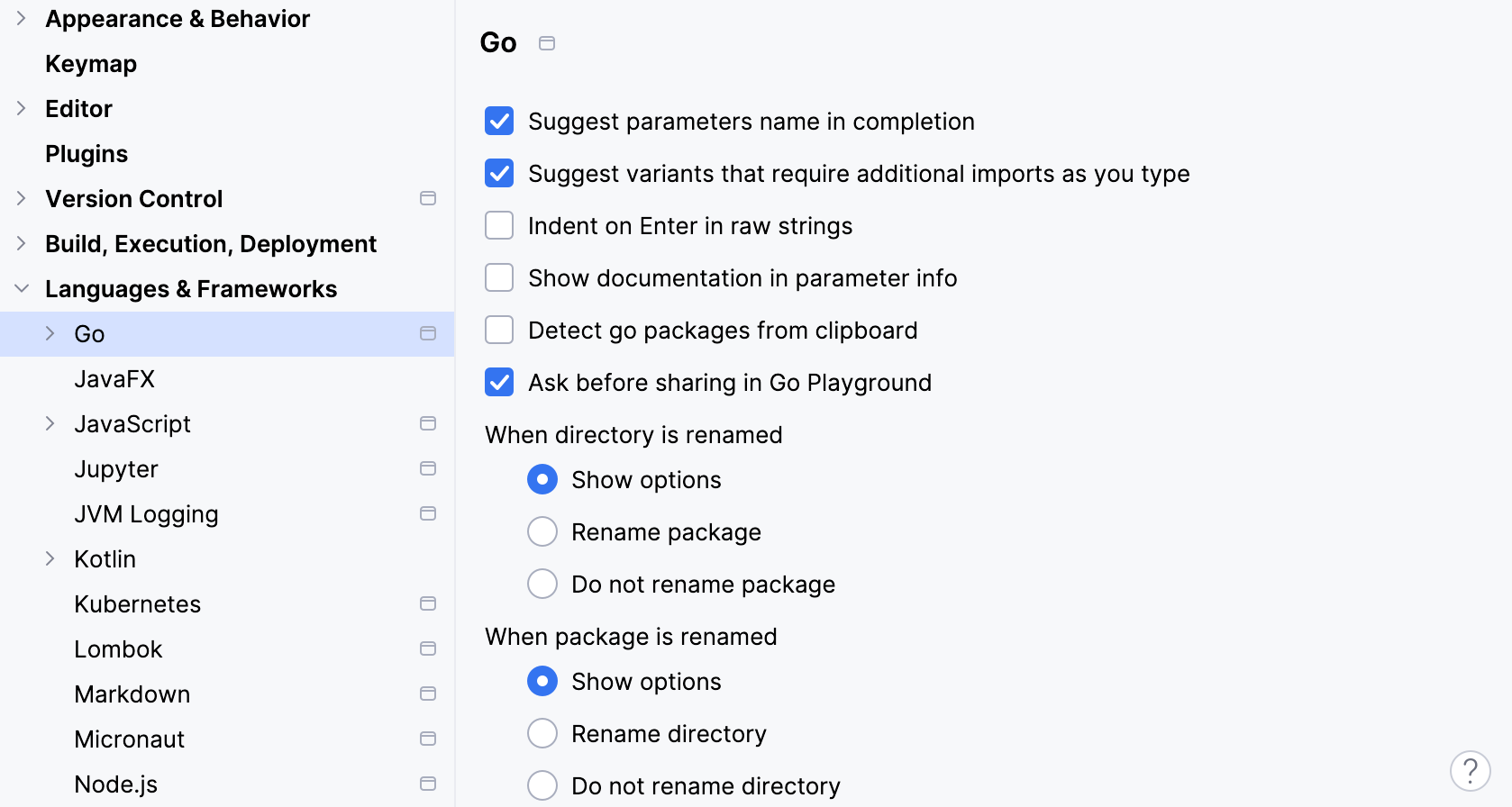
In IntelliJ IDEA, you can configure settings for rename operations, suggestions in the code completion list, quick documentation, and so on. To set these options, open settings by pressing Ctrl+Alt+S and navigate to Languages & Frameworks | Go.
Item
Description
Suggest parameters name in completion
Generates variable names for parameters. For example, if you select the error interface from the code completion list, IntelliJ IDEA will suggest the variable name err. For interfaces from the context package, IntelliJ IDEA generates ctx.
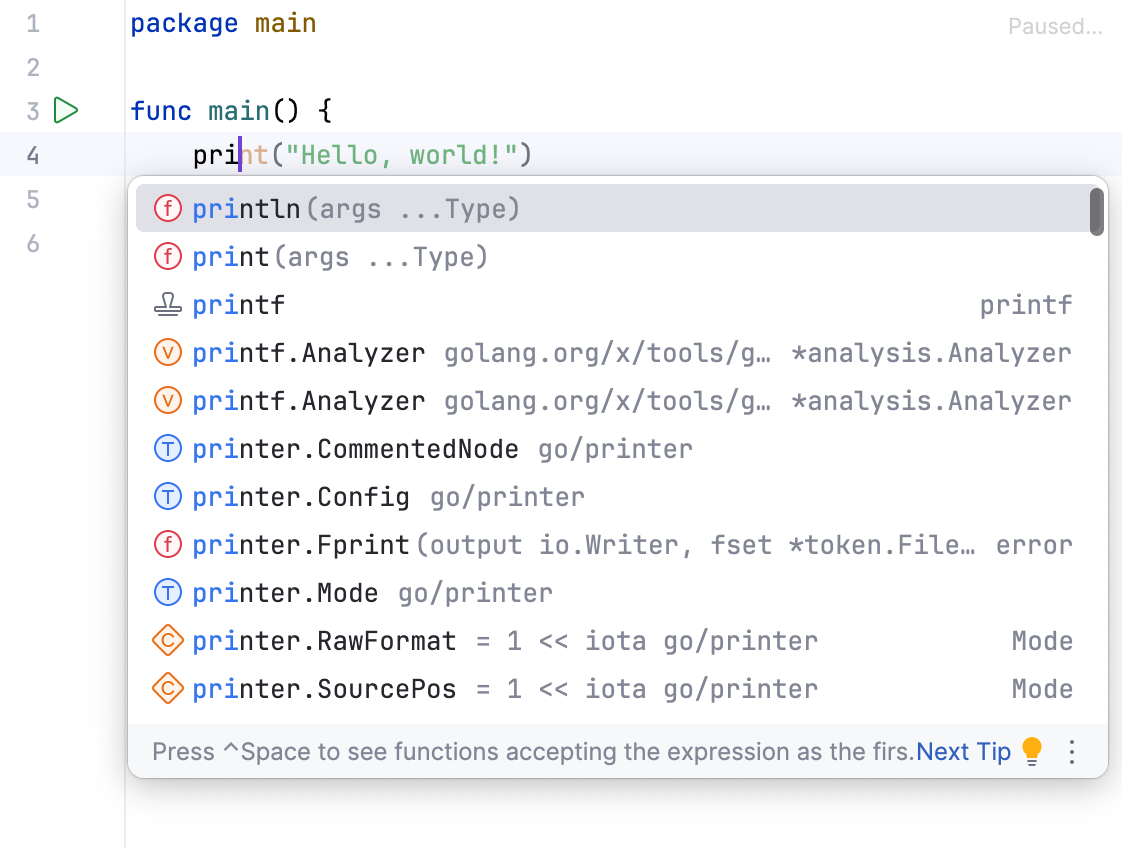
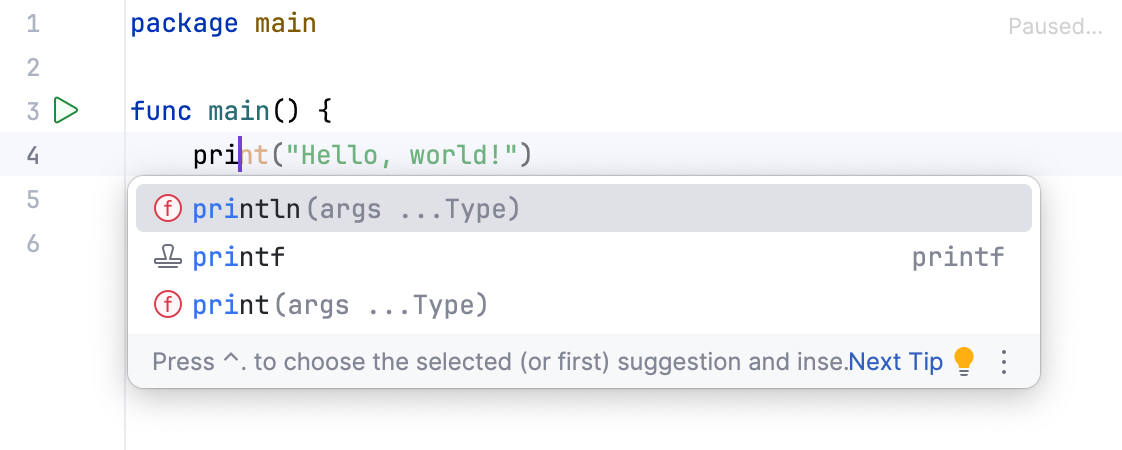
Suggest variants that require additional imports as you type
Adds variants of code constructs that require package imports to the code completion list.
Enabled
Disabled
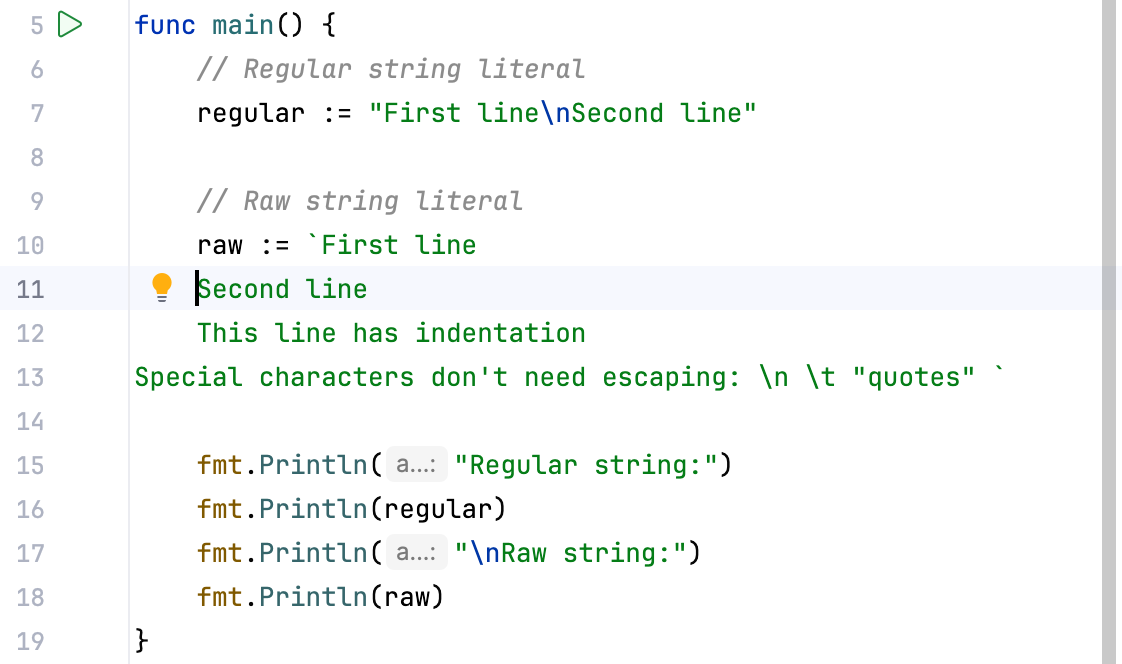
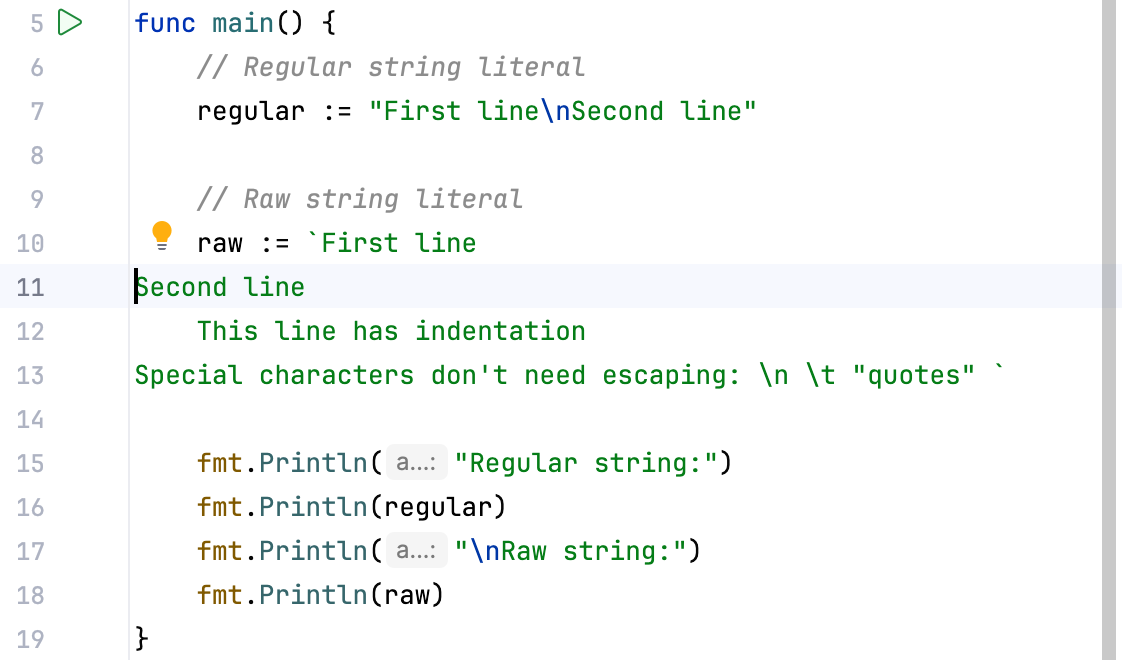
Indent on Enter in raw strings
Preserves indentation for raw string literals when you press Enter. Raw string literals are sequences of characters enclosed in backticks (for example, `if a == 3{}`).
Enabled
Disabled
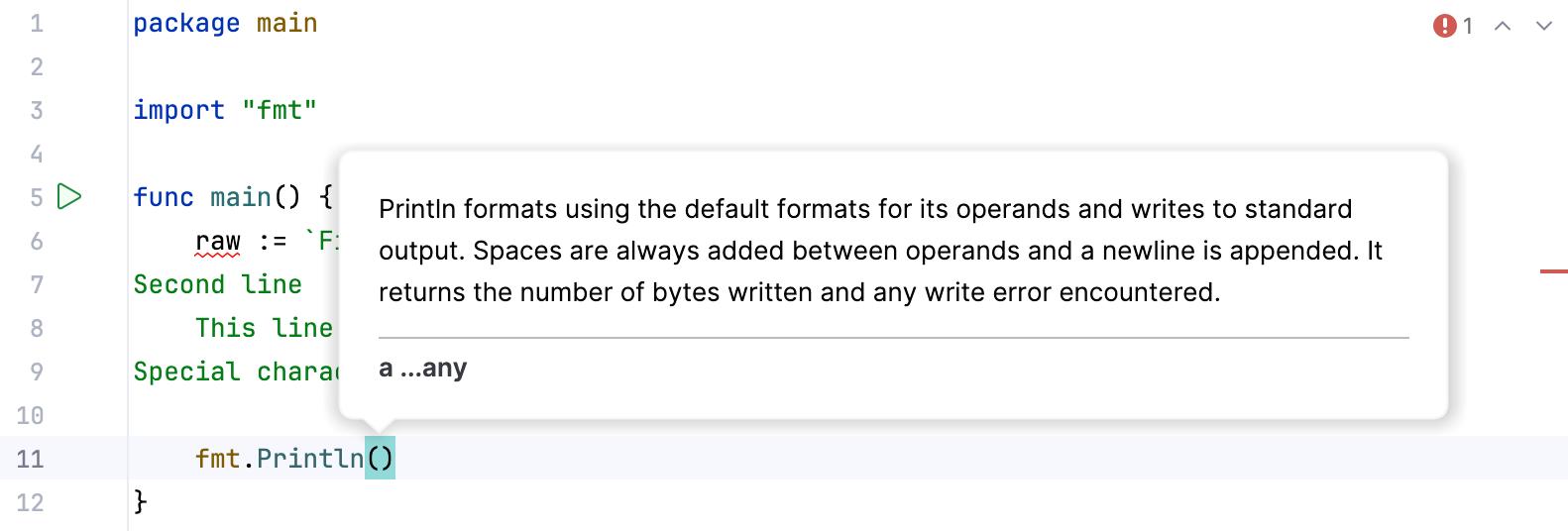
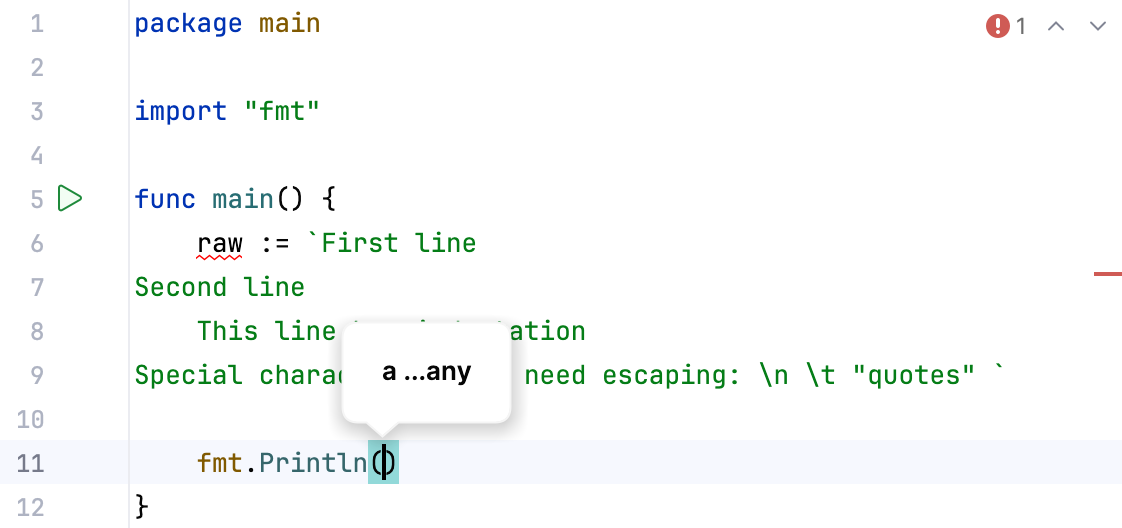
Show documentation in parameter info
Displays documentation about a function.
Enabled
Disabled
Detect go packages from clipboard
Displays a dialog suggesting you add a package to the GOPATH. The dialog appears when you copy a link to a package that is not yet in your GOPATH (for example, github.com/go-git/go-git).
Ask before sharing in Go Playground
Displays a dialog asking whether you want to share your code in the Go Playground (https://go.dev/play).
When directory is renamed
Performs the selected action when you rename a directory in a project:
Show options: Displays a dialog asking whether to rename the associated package.
Rename package: Automatically renames the package to match the new directory name.
Do not rename package: Keeps the package name unchanged.
When package is renamed
Performs the selected action when you rename a package in a project:
Show options: displays a dialog asking whether to rename the corresponding directory.
Rename directory: automatically renames the directory to match the new package name.
Do not rename directory: keeps the directory name unchanged.
When file is renamed
Performs the selected action when you rename a file in a project:
Show options: displays a dialog asking whether to rename the corresponding test or production file.
Rename corresponding test or production file: automatically renames the related file to maintain naming consistency.
Do not rename corresponding test or production file: keeps the related file unchanged.
When JSON is pasted
Performs the selected action when you paste a JSON string:
Show options: displays a dialog asking whether to convert the JSON string into a Go type or paste it as-is.
Convert JSON to a Go type: automatically generates Go code based on the structure of the pasted JSON.
Insert JSON as-is: pastes the original JSON string into your code without conversion.