REST API
IDE Services provides both a user interface (Web UI) and application programming interface (API) to execute all essential operations on the IDE Services Server.
IDE Services has both public and private REST API endpoints. Most of the endpoints are private, so if there are unforeseen breaking changes, there will be no warnings or deprecation periods. While we still provide documentation on these breaking changes in release notes, we strongly advise against using the private API.
Automation Tokens
Most requests to the IDE Services Server require the Authorization header. It supports:
OAuth 2.0 tokens from the external OAuth2 service provider used in your company
Automation tokens created on the IDE Services Server
Create an automation token
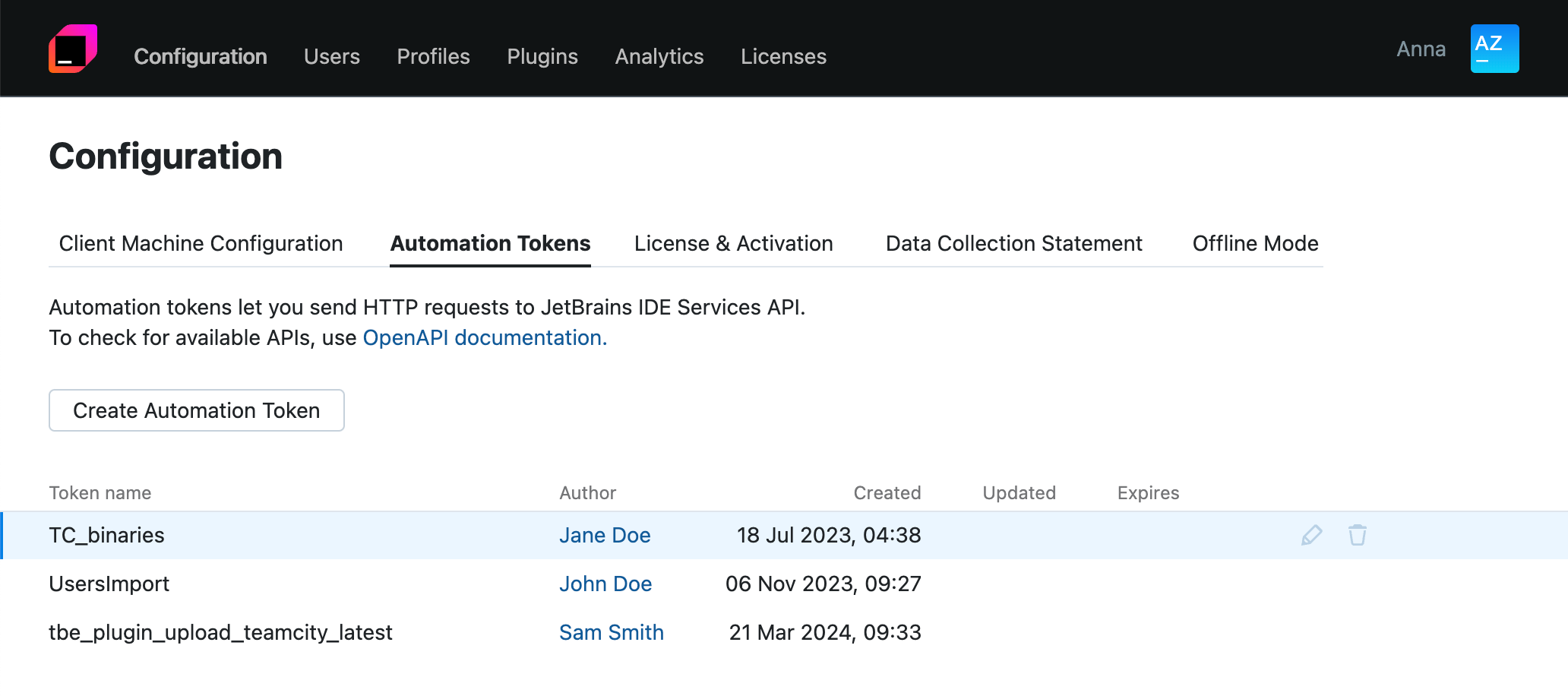
In the Web UI, open the Configuration page and navigate to the Automation Tokens tab.
Click Create Automation Token.
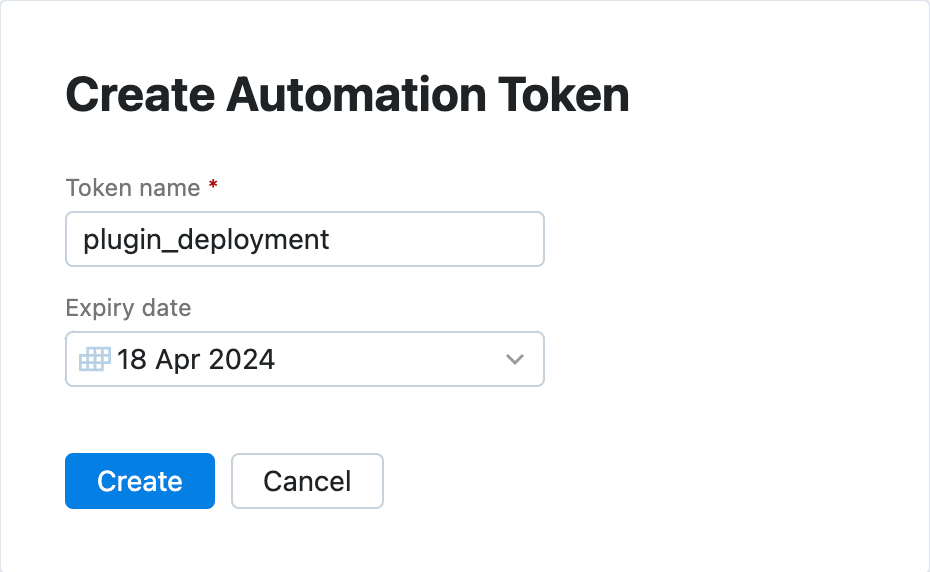
In the Create Automation Token dialog, specify the token name and set its expiration date. Click Create.
Important! When sending an Automation token, the Authorization header value must include the Automation prefix, such as in the following example:
Public API Endpoints
Currently, the following endpoints are available publicly:
User management
| Fetch a full list of current IDE Services users. More info. |
| Add a user not found in IDE Services but present in your identity provider's system. More info. |
| Remove a user from IDE Services. More info. |
| Fetch a list of current profiles from IDE Services (including identifiers). More info. |
| Search for a required profile by its ID and assign it to users. More info. |
| Unassign a profile from a specific user. More info. |
| Fetch all profiles assigned to a specific user. More info. |
| Search for a required user by its ID and assign specific profiles to that user. More info. |
| Search for a required profile by its ID and assign it to users. More info. |
For parameters and instructions, see User management via REST API
Bulk user import
| Add multiple users and assign access permissions and profiles. This request replaces existing users in the database and their permissions with the ones specified in the JSON payload. |
For parameters and instructions, see Bulk import of users and permissions via REST API
Upload plugins to IDE Services Server
| Upload a new plugin or plugin version from a repository to IDE Services Server. |
For parameters and instructions, see Publish a plugin via cURL
User access records
These data reflects actual requests made by users to the server and their interactions with platform components.
| Fetch user access records for a specified date range. |
For parameters and instructions, see User Access Analytics
AI analytics
AI-related metrics showing the extent of AI tool adoption in your organization, overall AI activity, and its impact. Get data on chat-based and in-editor interactions with Junie and AI Assistant, including the models and coding agents involved.
For more info and instructions, see Get AI Analytics via API.
| Retrieve metrics about adoption AI features, including the number of unique enabled and active users over a specified time period. More info. |
| Retrieve aggregated activity and impact metrics (suggestions, acceptances, invocations) for AI tools over a specified time period. When multiple tools are selected, this endpoint combines all metrics across tools into a single set of values per time period. More info. |
| Retrieve activity and impact metrics grouped by individual features (suggestions, acceptances, invocations) for each tool separately over a specified time period. Get separate metrics for each tool in the response. More info. |
| Retrieve aggregated activity and impact metrics for the entire specified time period without time-based grouping. Get a single summary of metrics across all dates in the range. More info. |
| Retrieve per-user metrics users with cursor-based pagination. Each record represents metrics for a specific user, date, and tool combination. More info |
Swagger Documentation
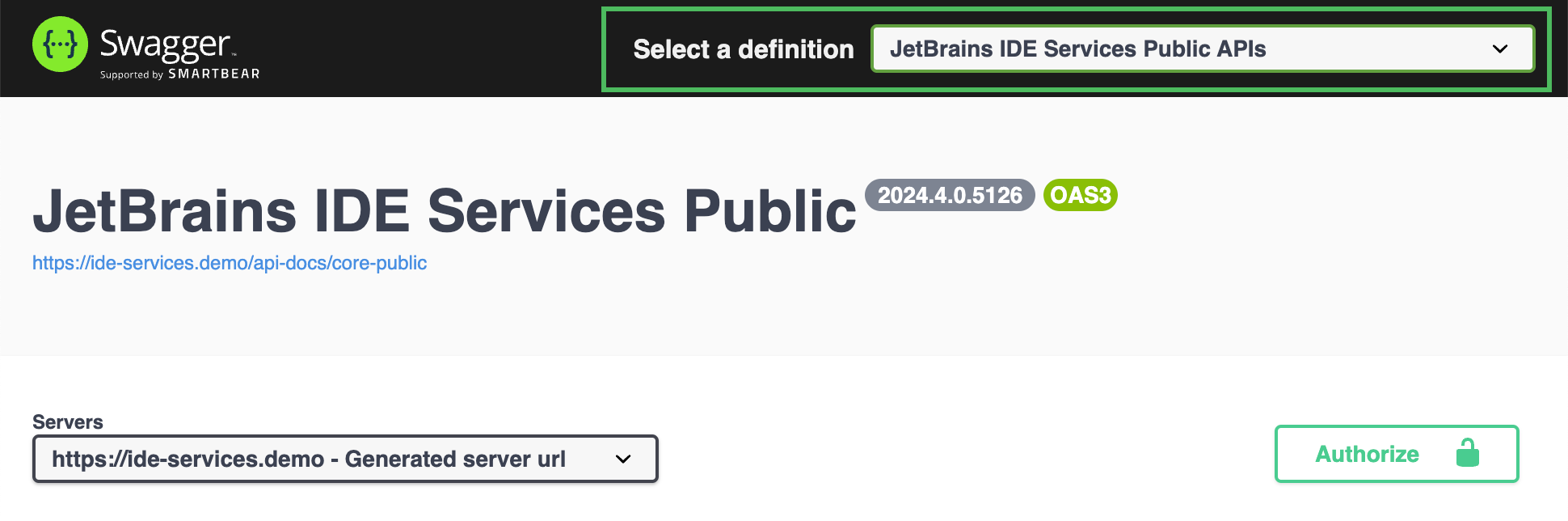
The Swagger pages are enabled by default on the server. You can manage them using the springdoc.api-docs.enabled and springdoc.swagger-ui.enabled properties in the server configuration file.
The Swagger API documentation is available at https://<your_organization>/swagger-ui.html and contains three pages:
IDE Services Public
IDE Services Private
License Vault Public
Use the dropdown in the top-right corner of the screen to switch between the Swagger API pages.