Rename refactorings
Use the Rename refactoring to change names of symbols, files, and all the references to them throughout code.
Renaming local variables or private methods can be done easily inline since only the limited scope is affected. Renaming types, interfaces, or public methods could potentially impact a lot of files. Preview potential changes before you refactor.
Rename code in place
In the editor start renaming a parameter, a method, or other code element. GoLand will display
 in the gutter.
Click the gutter icon or press Alt+Enter and apply a suggestion.
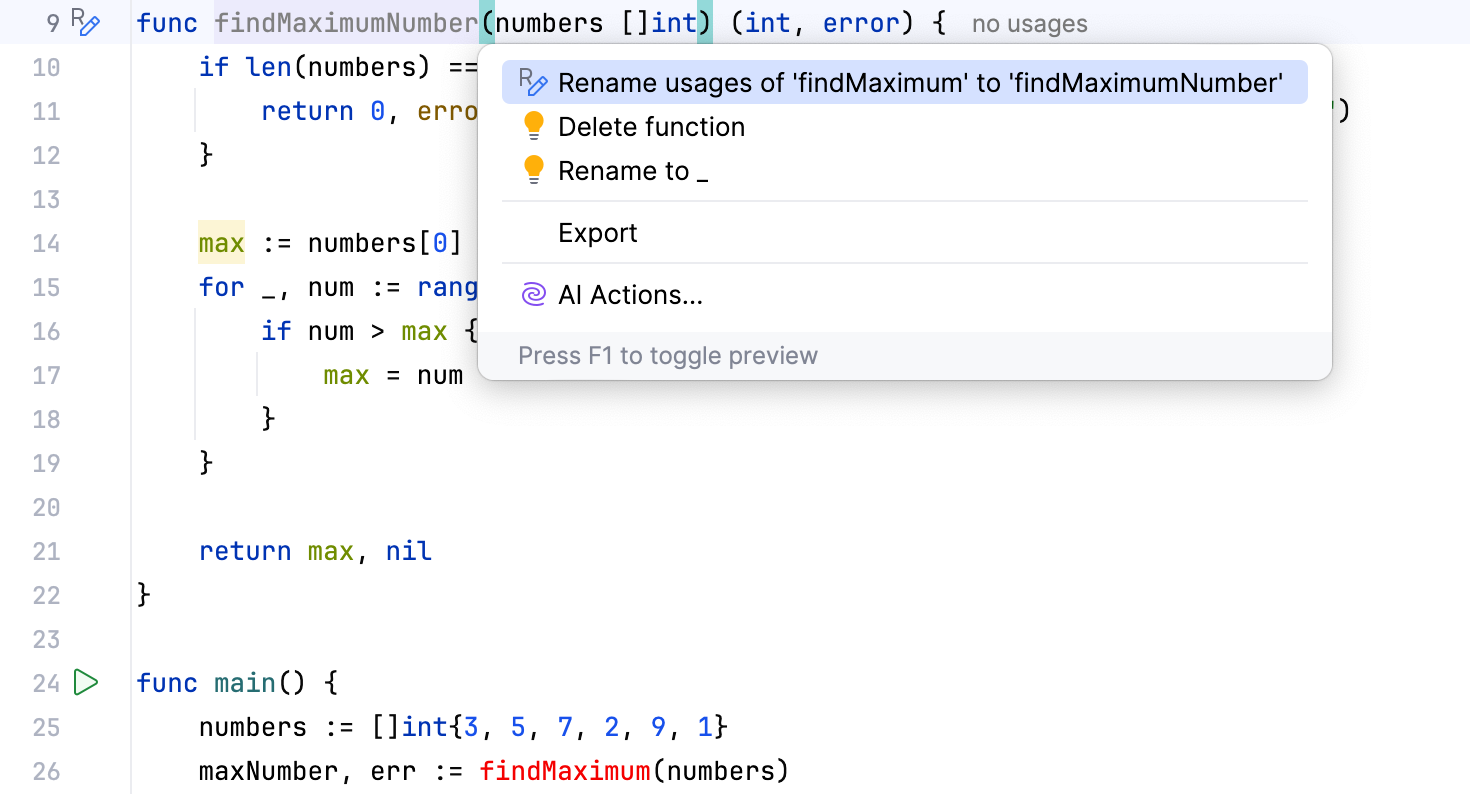
GoLand renames the code element and updates its usages accordingly.
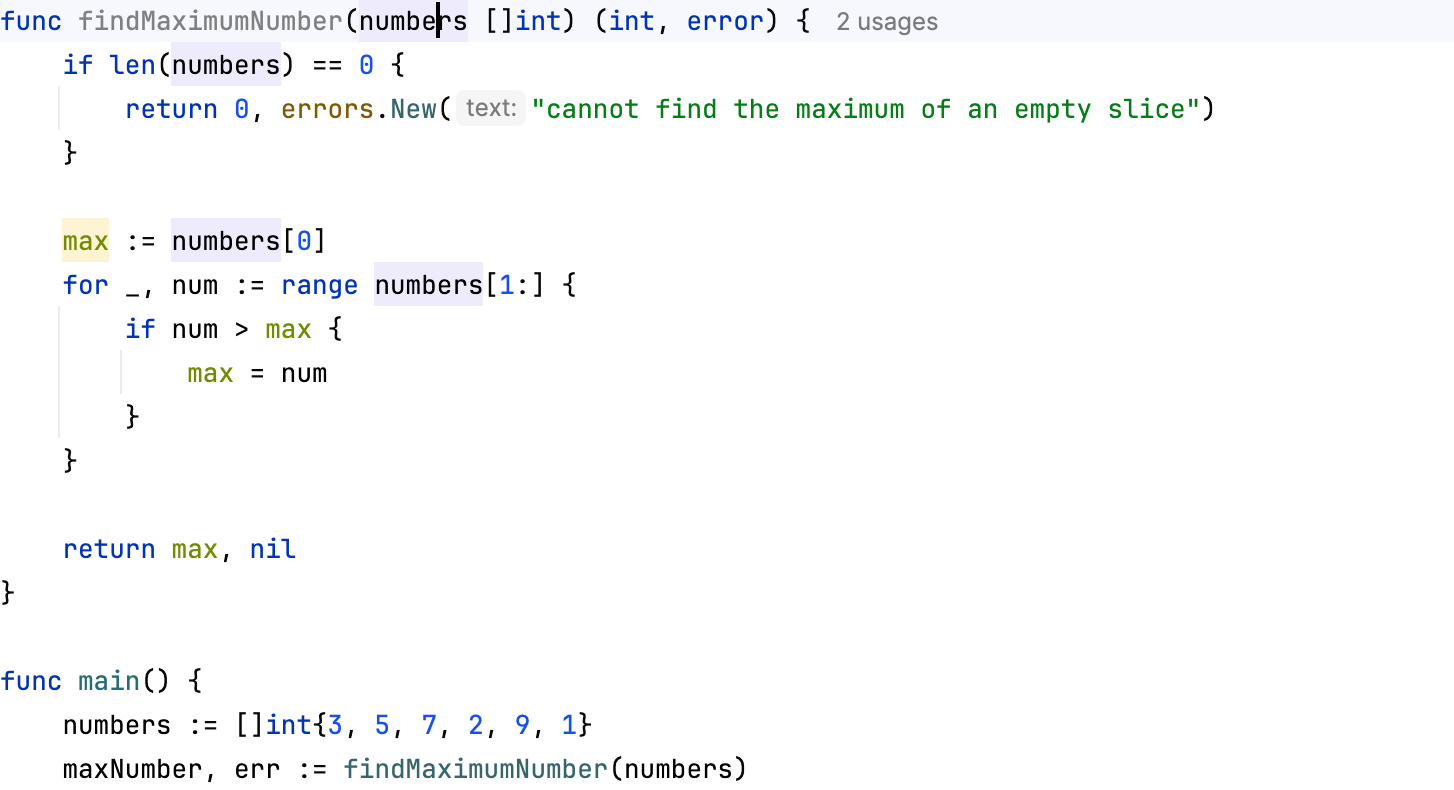
Rename code in place with inlay hint
In the editor, find the code element you want to rename.
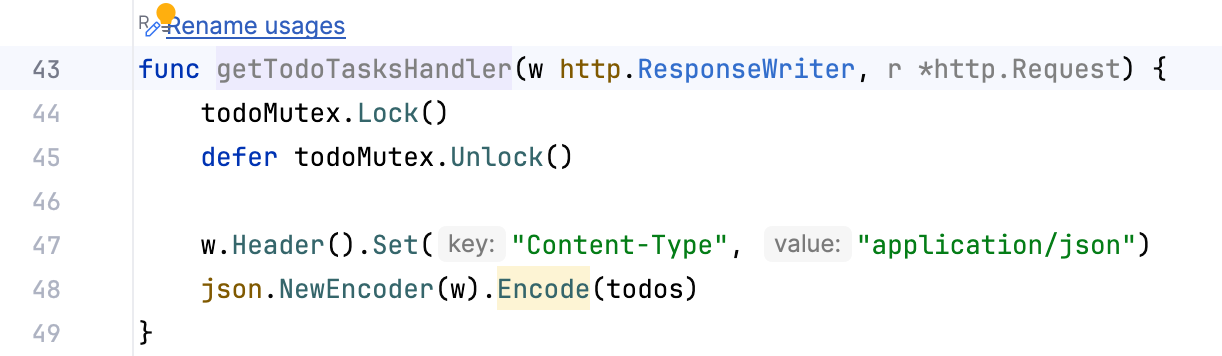
Edit the text of the code element you want to rename, GoLand will display the Rename usages inlay hint.
Select the inlay hint.
Rename a code element
In the editor, select the element you want to rename. If you need to rename a file, select one in the Project tool window.
Press Shift+F6 or right-click and select from the context menu.
When you invoke the rename Shift+F6 action, GoLand displays
 and
 next to the highlighted element.
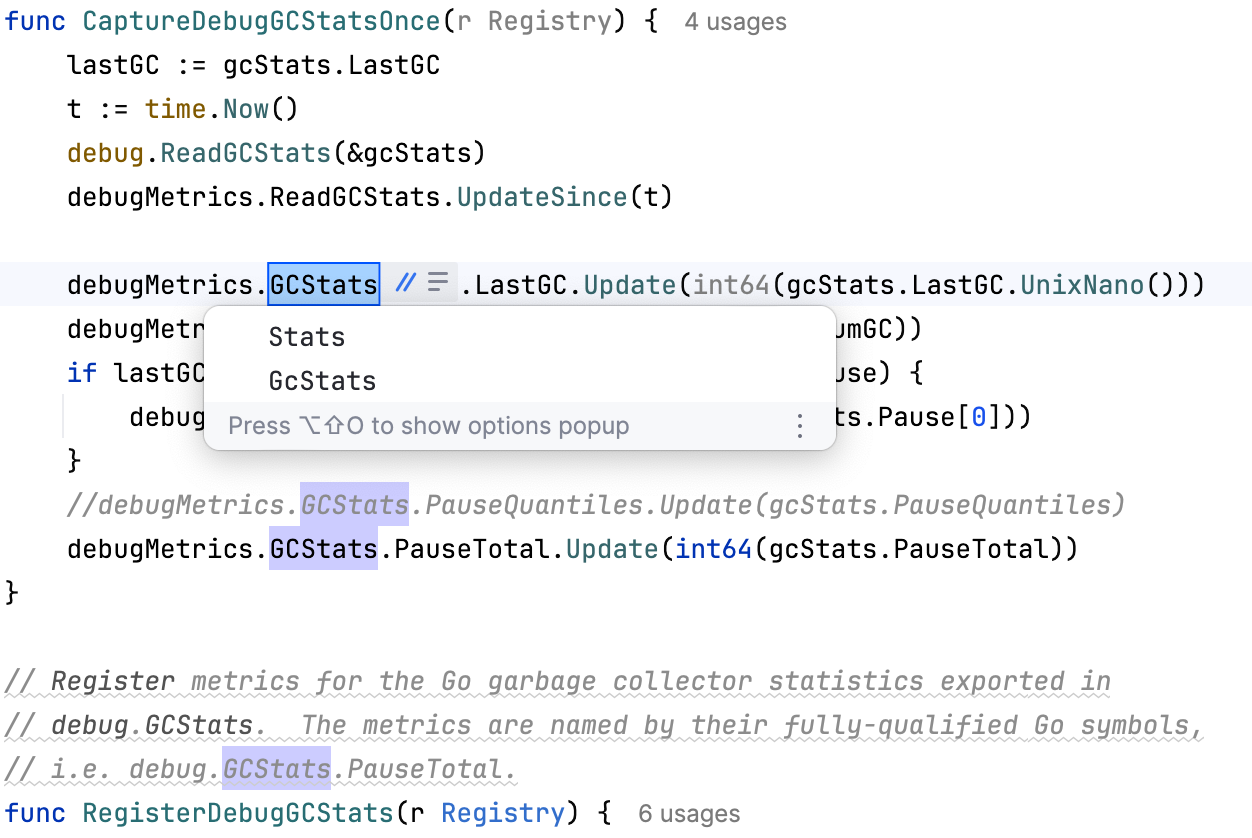
You can press Ctrl+Alt+Shift+N to open the context menu and select the additional rename options.
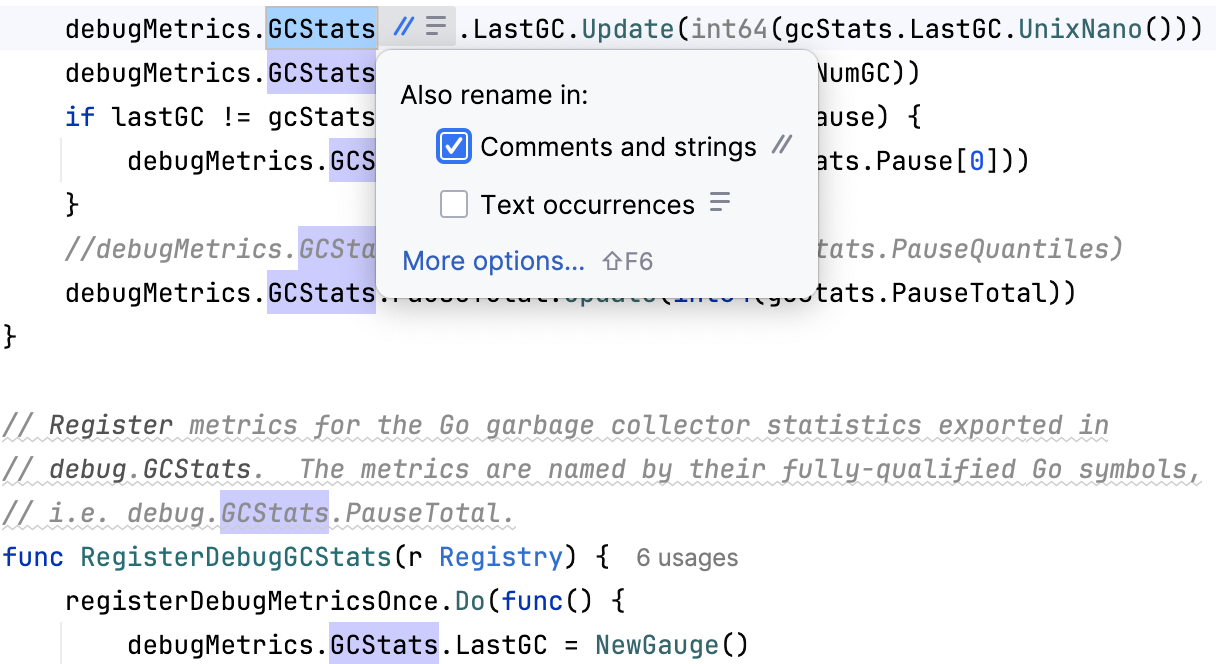
If you want to see the Rename dialog with more options, click the More options link or press Shift+F6.
You can perform the rename refactoring in-place or press Shift+F6 again to open the Rename dialog. Enter a new name of the element to enable the Preview and Refactor buttons.
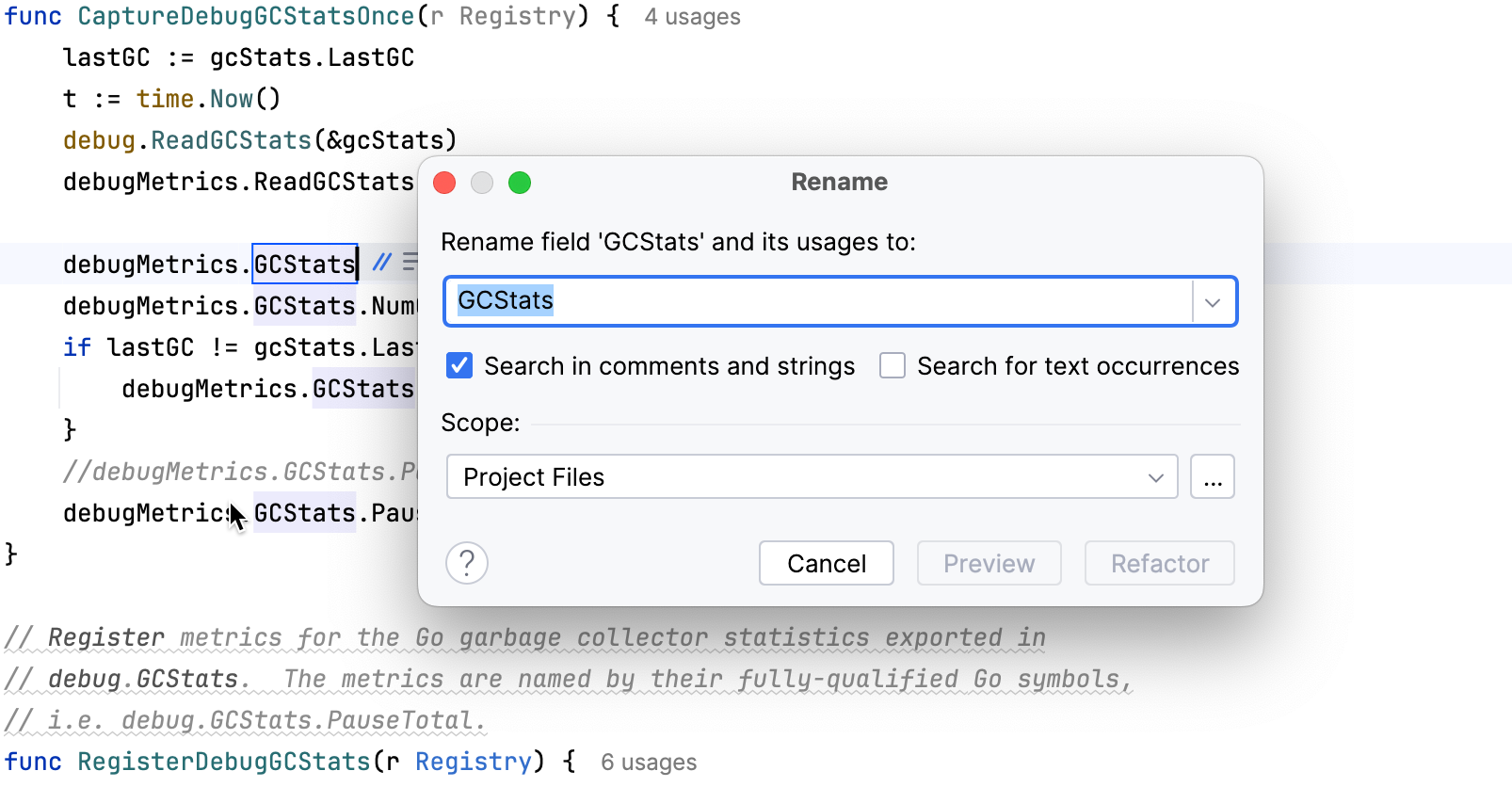
You can specify additional options. For example, specify where to search for element occurrences, or what else to rename. You can also specify a scope for the refactoring.
In the Refactoring Preview dialog, review potential changes and click Refactor.
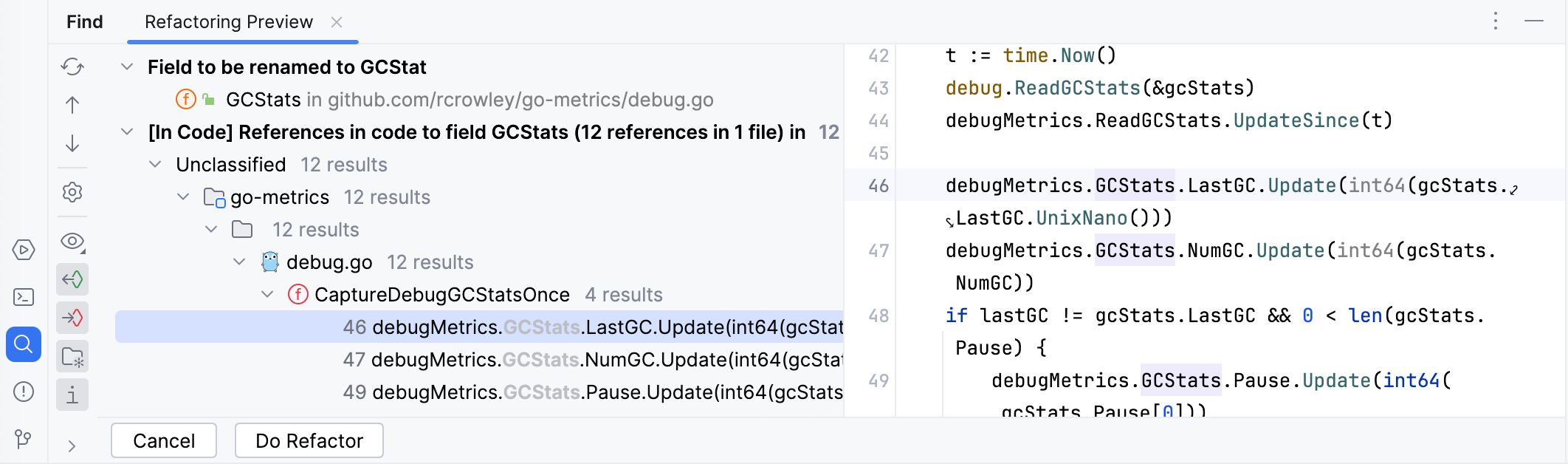
Next time you invoke the Rename refactoring, GoLand remembers the options you have specified inside the Rename dialog.
Rename methods in interfaces
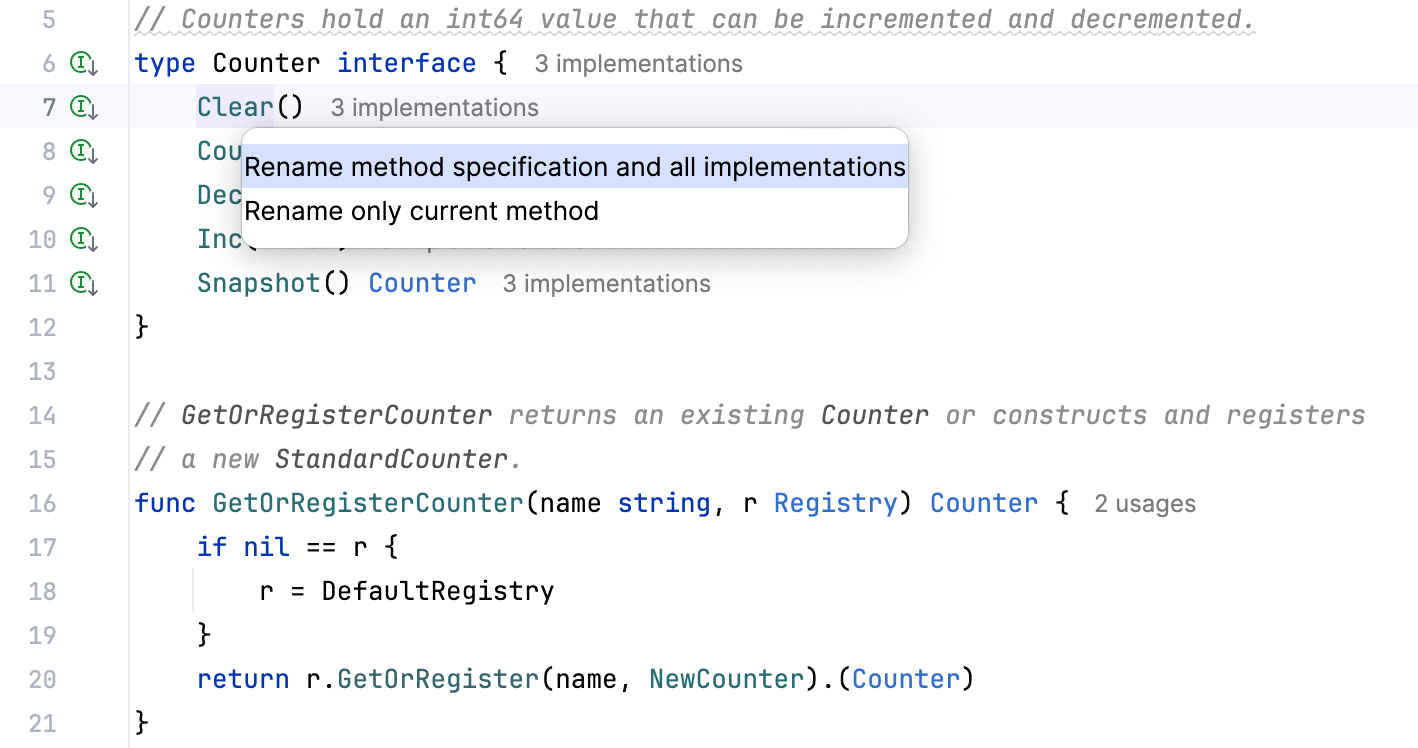
You can rename methods that are declared in interfaces. When you rename the method, GoLand displays a context menu where you can select to rename method implementations as well.
Right-click a method in an interface and select . Alternatively, place the caret at the method in the interface and press Shift+F6.
In the context menu, select what you want to rename. To rename the method and all implementations, select Rename method specification and all implementations. To rename only the selected method, select Rename only current method.
Type the new name in the editor and press Enter.
To use the Rename dialog instead, press Shift+F6 again before you finish editing the name. In the dialog, enter the new name and click Refactor, or click Preview to review the changes first. The dialog also opens when in-place renaming is disabled.
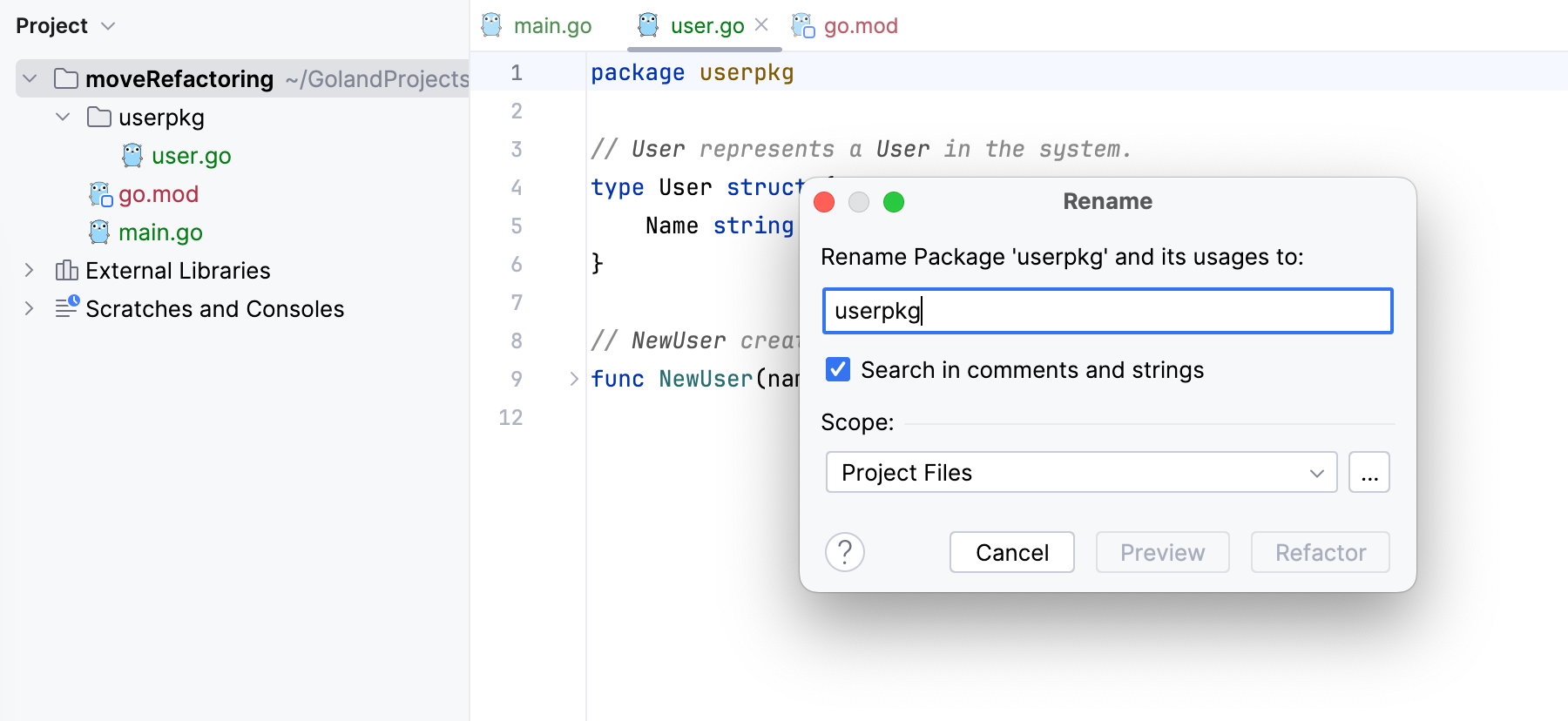
Rename packages
Place the caret on the package name in a
packagedeclaration and press Shift+F6.Enter the new package name and review the available options. Click Preview to check the affected declarations and references, then apply the refactoring.
If the directory name matches the package name, GoLand asks whether to rename the directory too. If you have saved a choice for this prompt, GoLand uses that choice.
Rename a module
Open go.mod, place the caret on the module path in the
moduledirective, and select . Alternatively, press Shift+F6.In the Rename dialog, enter the new module path and click Refactor. Alternatively, click Preview to check the affected module-path references and imports in the project.