Learn IDE features
The Learn tool window provides interactive tutorials for IDE features. A tutorial includes a set of lessons. To complete a lesson, you need to finish all the tasks in the lesson.
In GoLand, you can try tutorials for Go and JavaScript.
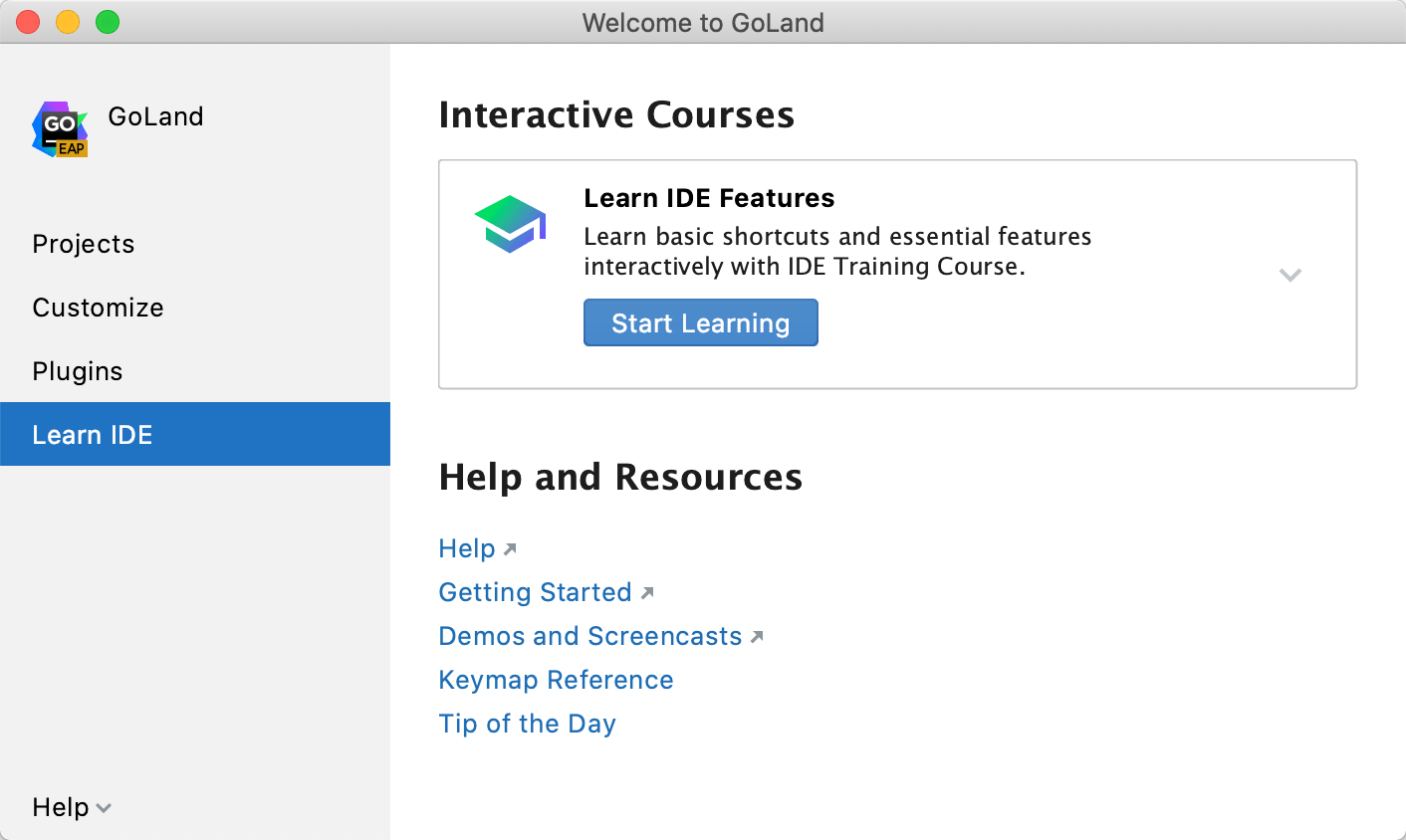
Start a lesson from the Welcome screen
This route is available when the Welcome screen opens as a separate dialog. To use it, open and clear Show the Welcome screen in non-modal mode. With the default layout, start a lesson from the Learn tool window.
On the Welcome screen, click Learn.
In the Learn IDE Features pane, click Start Learning.
Start a lesson from the Learn tool window
In the Learn tool window (), click a tutorial link.
In the Open a Learning Project dialog, click Open.
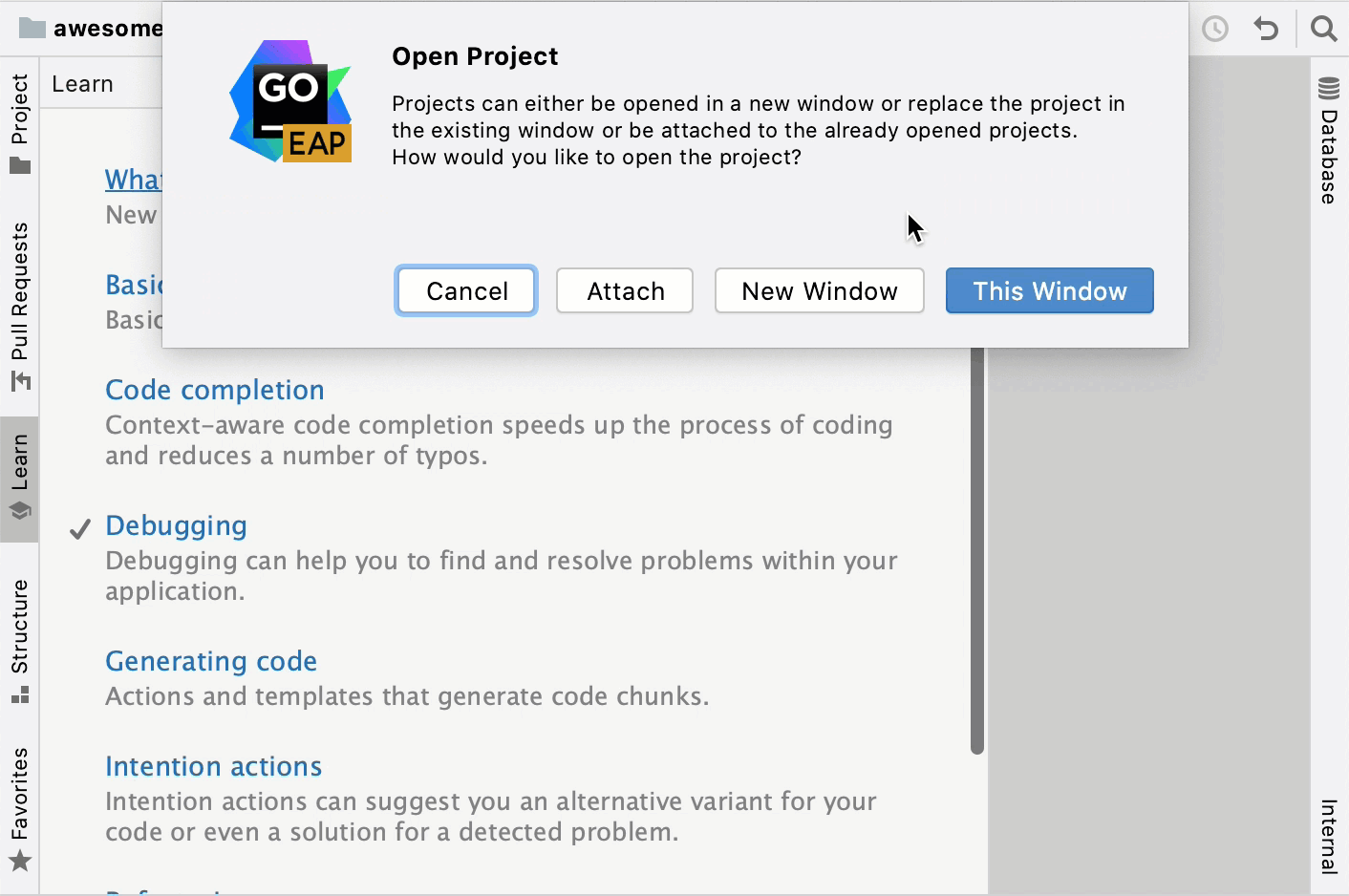
In the Open Project dialog, select where to open a tutorial. To open in a new IDE window, click New Window. To open in the same IDE window, click This Window. To attach the learning project to the currently-open project, click Attach.
Switch between tutorials for different programming languages
Open settings by pressing Ctrl+Alt+S and navigate to . .
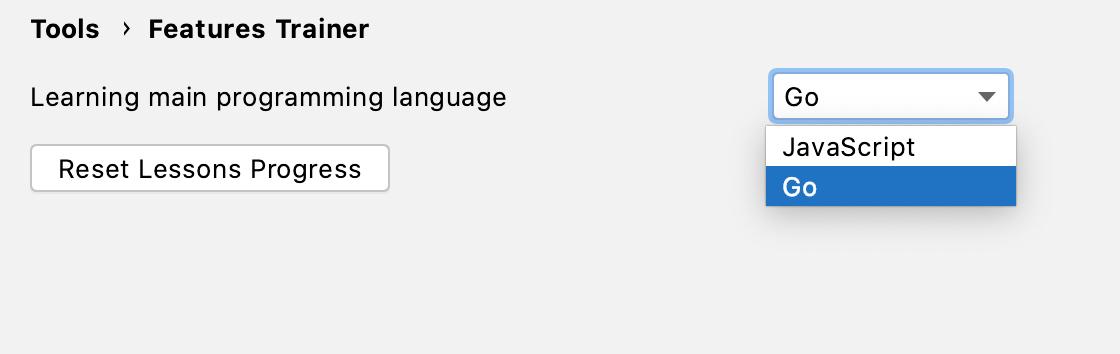
From the Learning main programming language list, select the language with which you want to continue (for example, JavaScript).
Reset learning process
Open settings by pressing Ctrl+Alt+S and navigate to . .
Click Reset Lessons Progress.