Create tests
Generate test files and test functions from your Go source code, then add test cases and expected results.
Generate test files
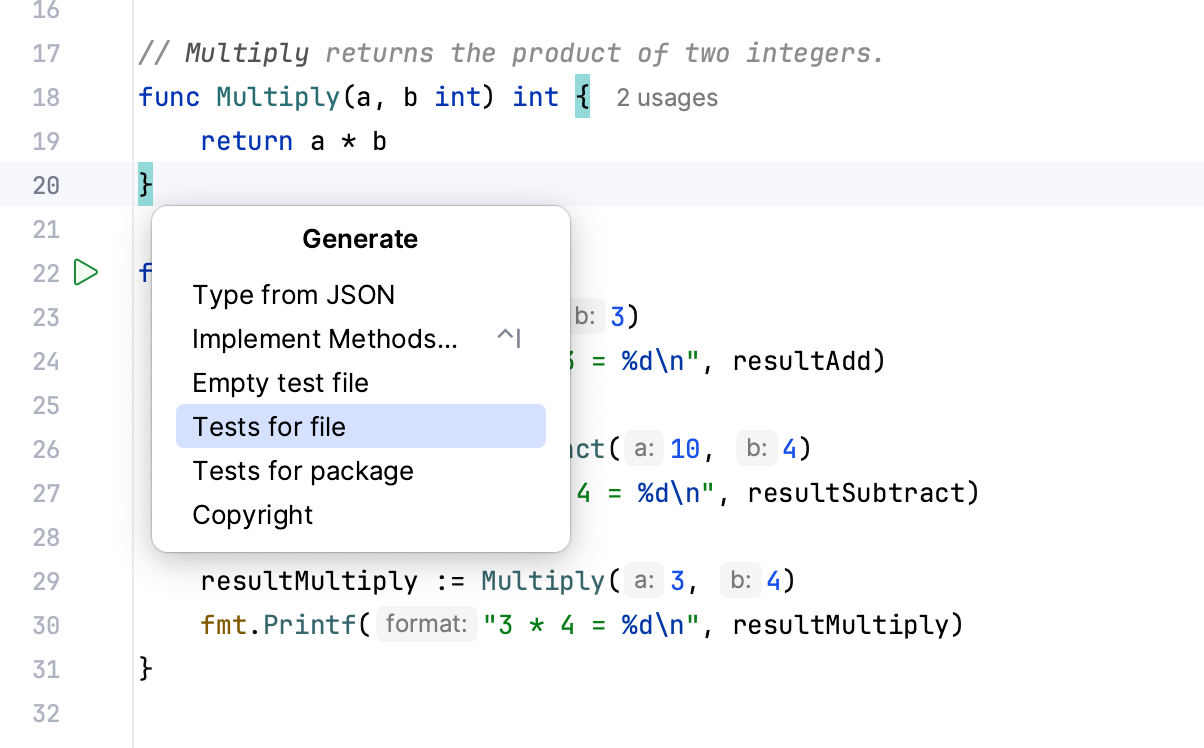
In the code editor, navigate to or press Alt+Insert.
Select what kind of a test you want to generate and press Enter. You can create test files for the following scopes:
Empty test file
Test for function
Tests for selection: available when you select code in the editor
Tests for file
Tests for package
Complete the generated tests with input values and expected results. For a source file named main.go, GoLand creates or updates main_test.go.
Navigate between tests and production code
In GoLand, you can jump between test functions or files and production code.
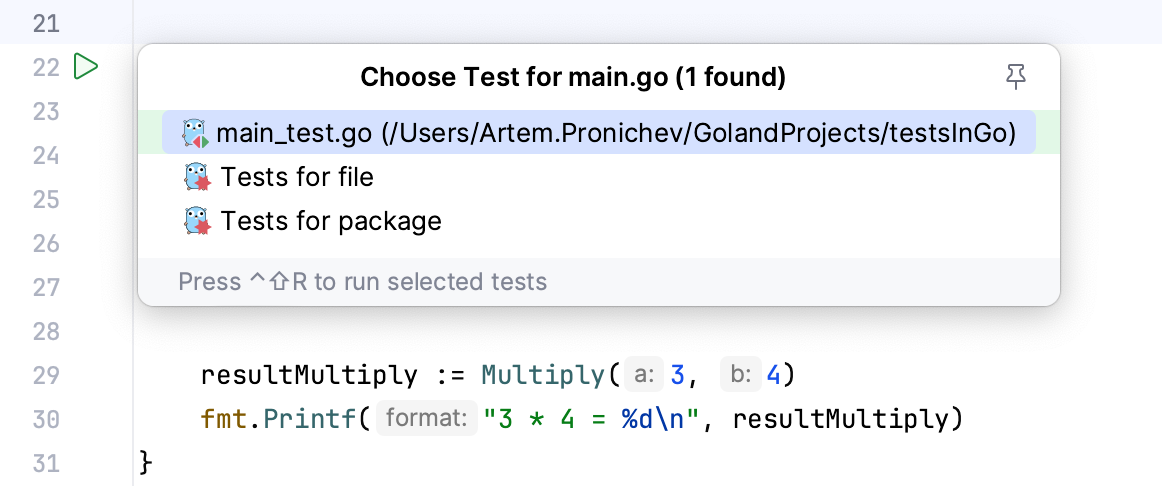
In the editor, place the caret at the test function or at the test subject in the source code and press Ctrl+Shift+T ( or ).
If several matching tests or source declarations exist, select one from the popup. If no test exists, you can create one.