Download files from a remote environment
If you are working with a remote environment and need to download files from it, you can do that right from JetBrains Fleet.
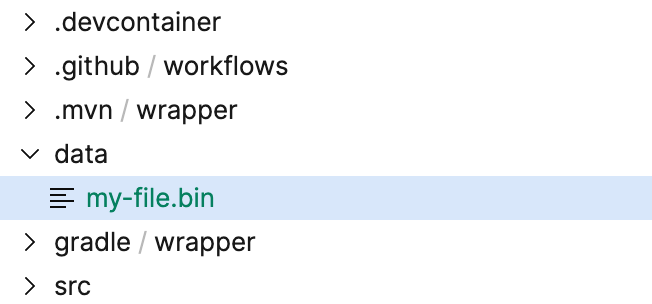
While connected to a remote workspace, select the file you want to download in the Files tree.
Press ⌘ ⇧ K and start typing
Download File To. Select Download File To.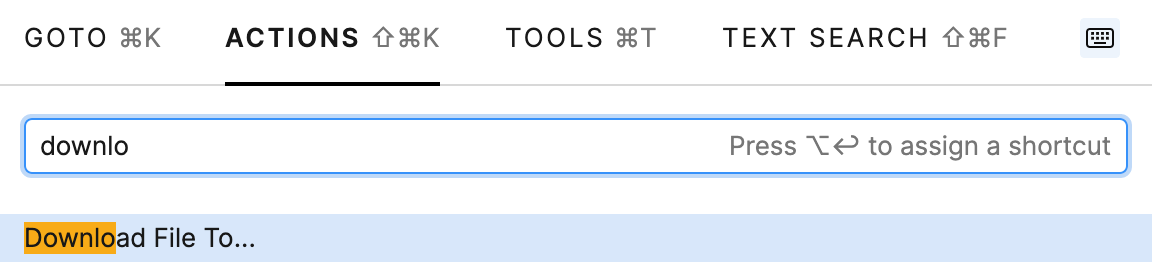
In the file chooser that appears, select the destination for the download.
06 May 2025