Server Certificates
DataGrip provides its own storage for trusted certificates.
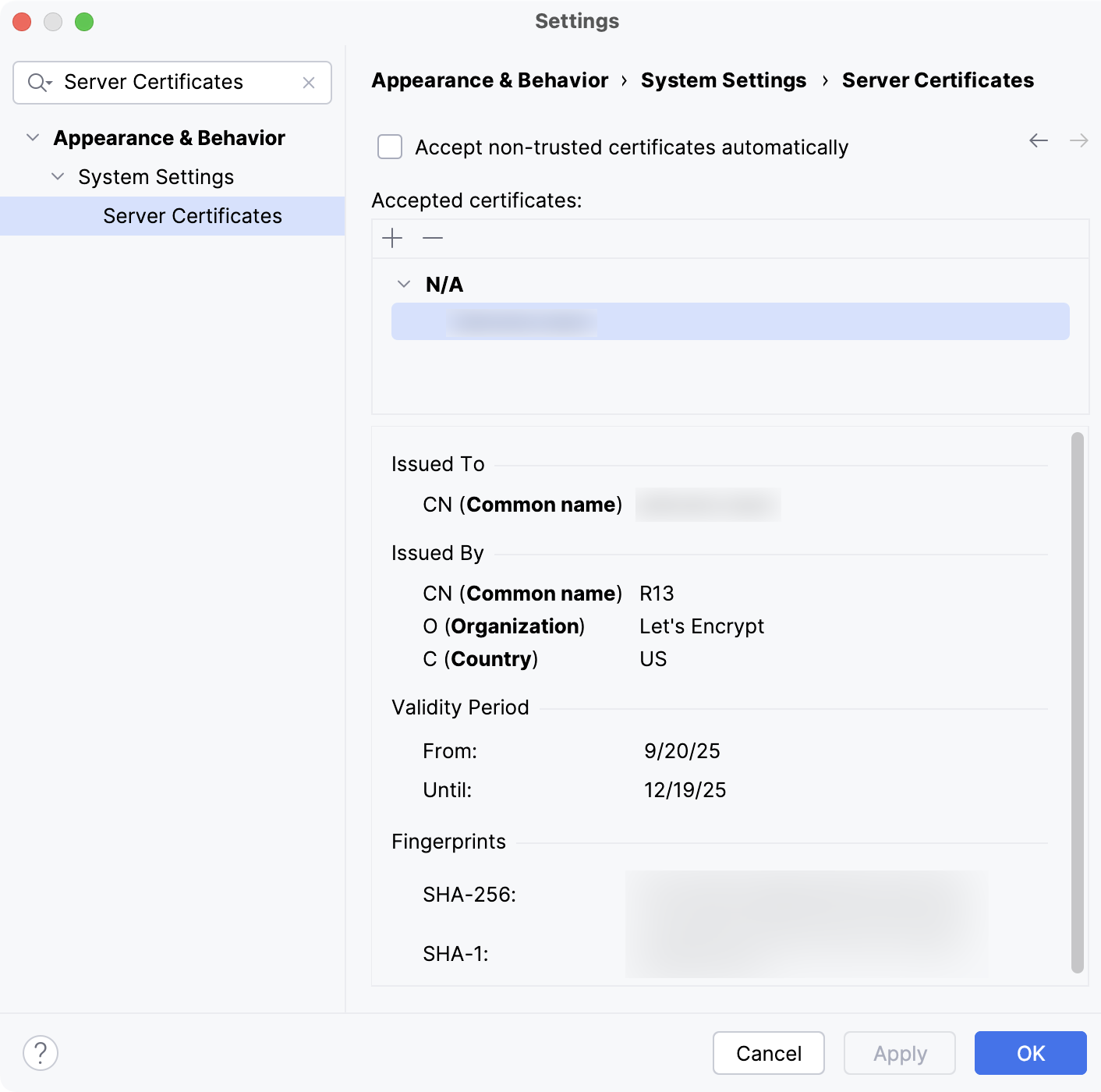
Server certificates are used to establish secure connections for various tools and services you may have configured in the IDE. These certificates affect Git repositories, remote deployment servers, and web services or APIs using HTTPS. Adding a trusted certificate ensures that all integrated tools requiring secure connections can trust the specified certificates.
Item | Shortcut | Description |
|---|---|---|
Accept non-trusted certificates automatically | Select this option if you want non-trusted certificates (that is the certificates that are not added to the list) to be accepted automatically, without sending a request to the server. | |
| Alt+Insert | Add a trusted server certificate to the list. Select the certificate file in the dialog that opens. The certificate file should have an extension .crt, .cer or .pem. For a trusted certificate, the certificate information is shown in the lower part of the page. |
| Alt+Delete | Remove the selected trusted certificate from the list. |


The information about added certificates is stored in ssl/cacerts inside the IDE configuration directory.
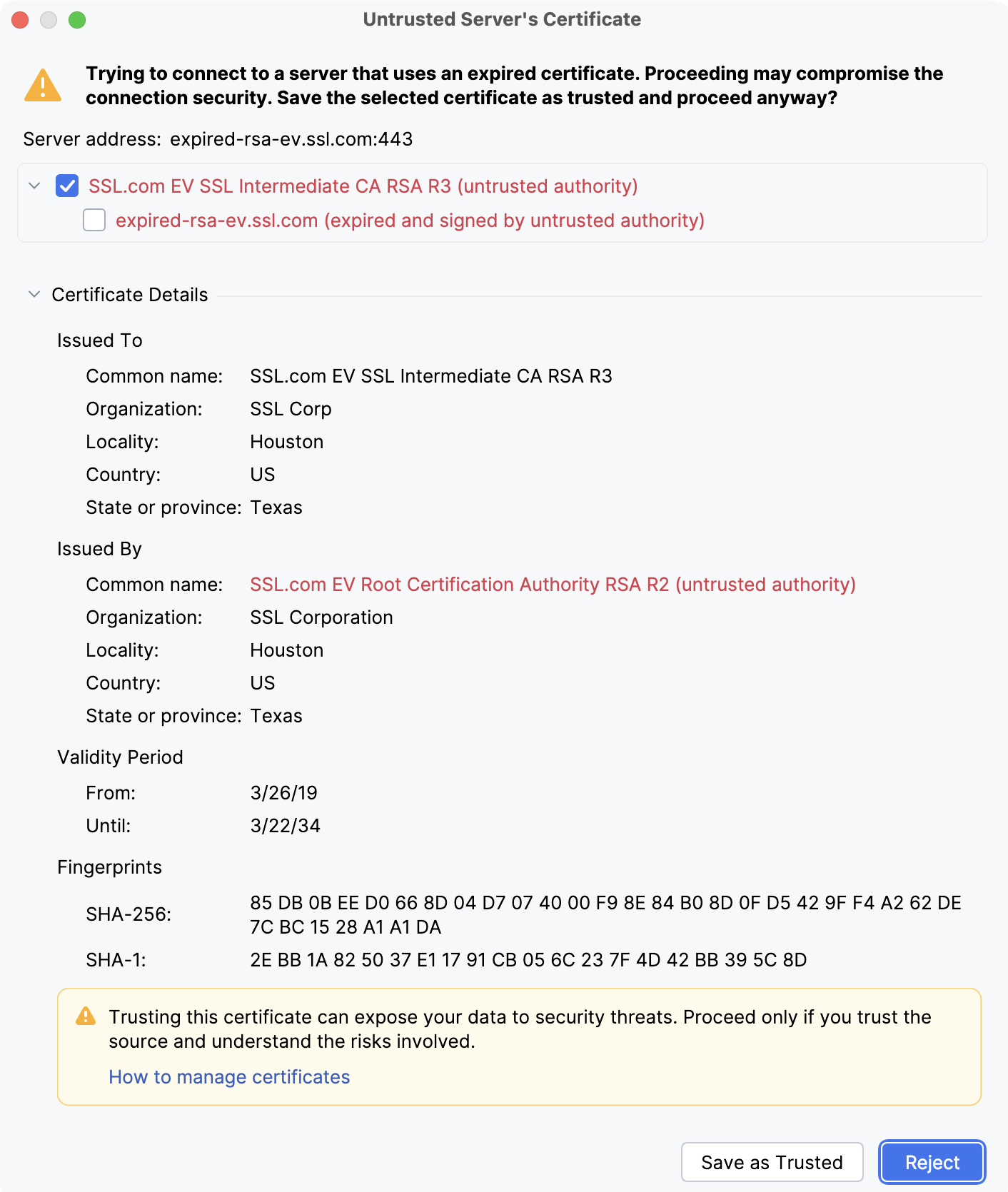
Untrusted server certificate
DataGrip displays an Untrusted Server's Certificate warning when connecting to services it does not trust.
Learn more about possible reasons and solutions from the Support Knowledge Base in YouTrack.