Clouds
In DataGrip, you can work with a database stored in a cloud. To do this, you have to connect to your cloud provider account first. DataGrip obtains and displays the list of databases available in the account. When you select a database you want to connect to and proceed with creating a data source for it, the connection details are automatically filled in the corresponding files of the Data Sources and Drivers dialog.
Supported clouds:
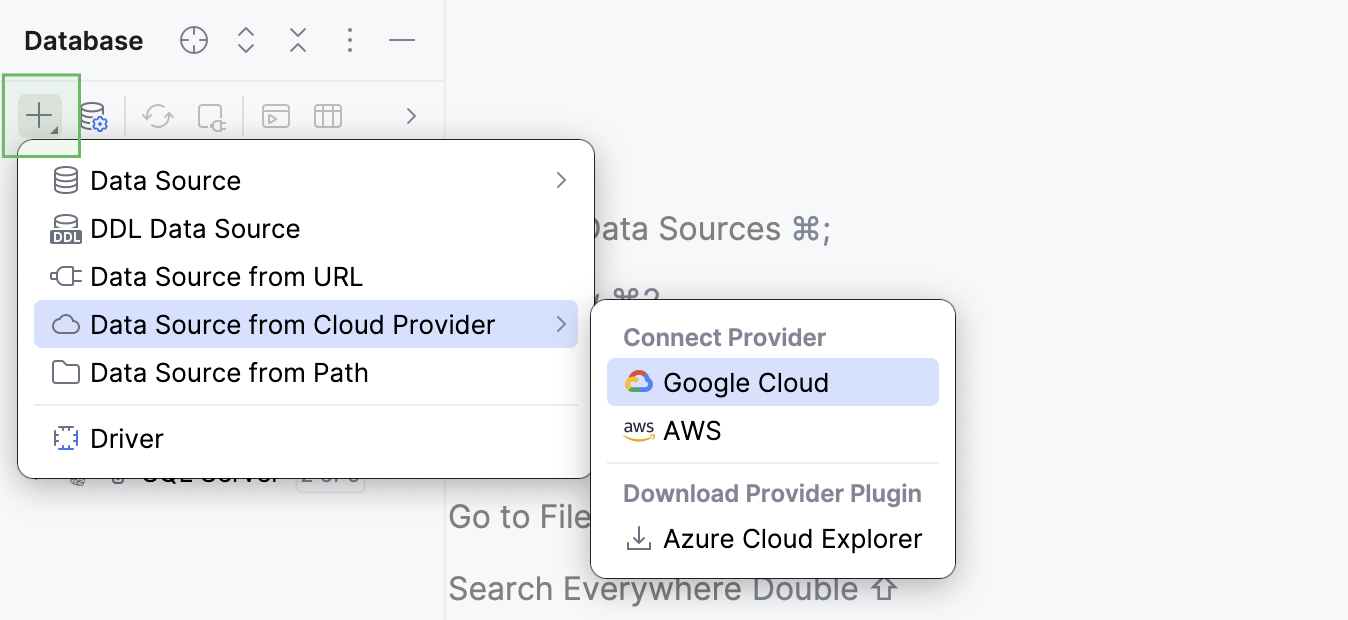
To connect to your cloud account, navigate and select the cloud you want to connect to.
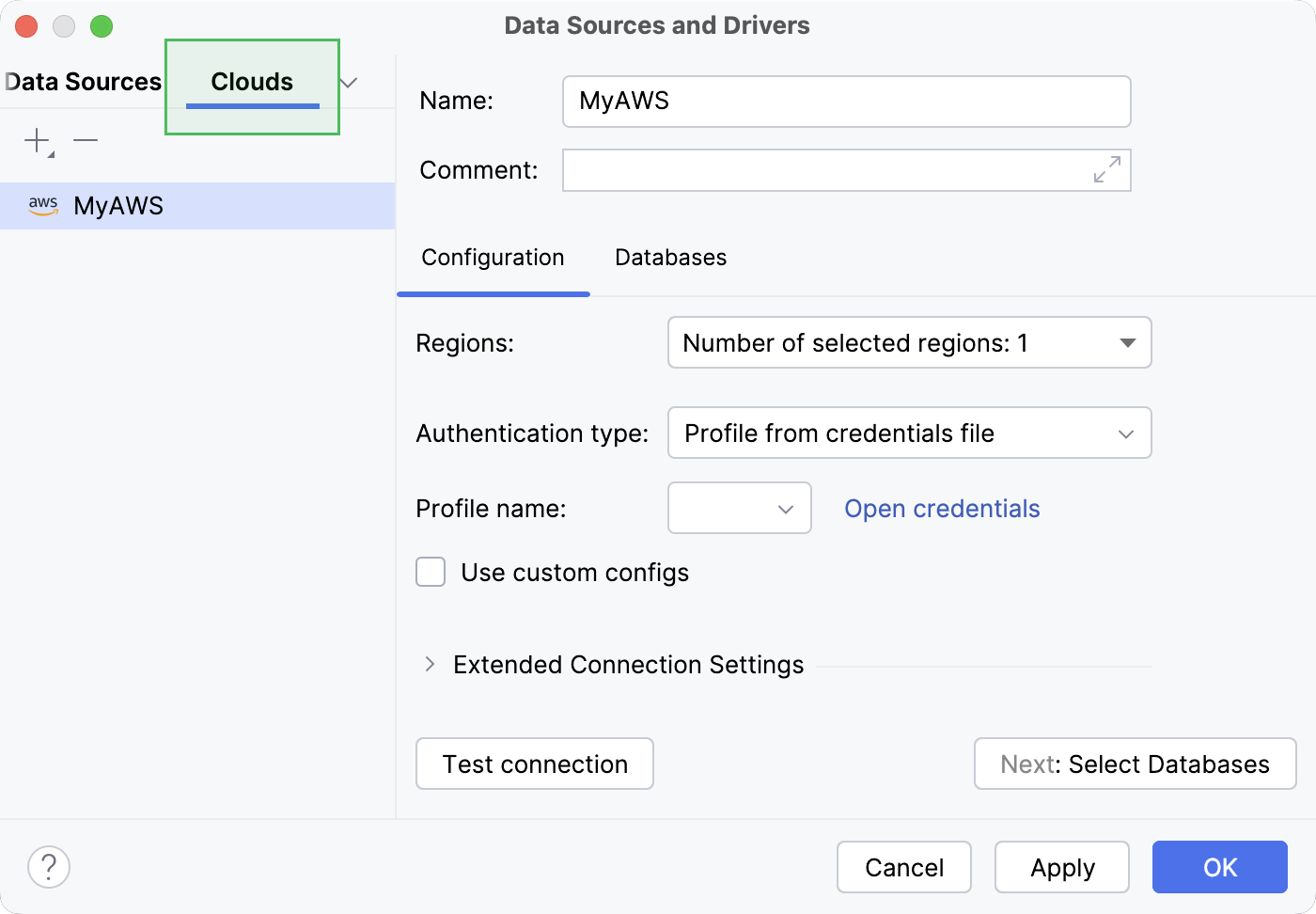
All the cloud databases connected to your IDE are displayed in the Cloud tab of the Data Sources and Drivers dialog.
20 November 2025