Processes
View and manage processes
Do one of the following:
Click the status bar.

Call from the main menu.
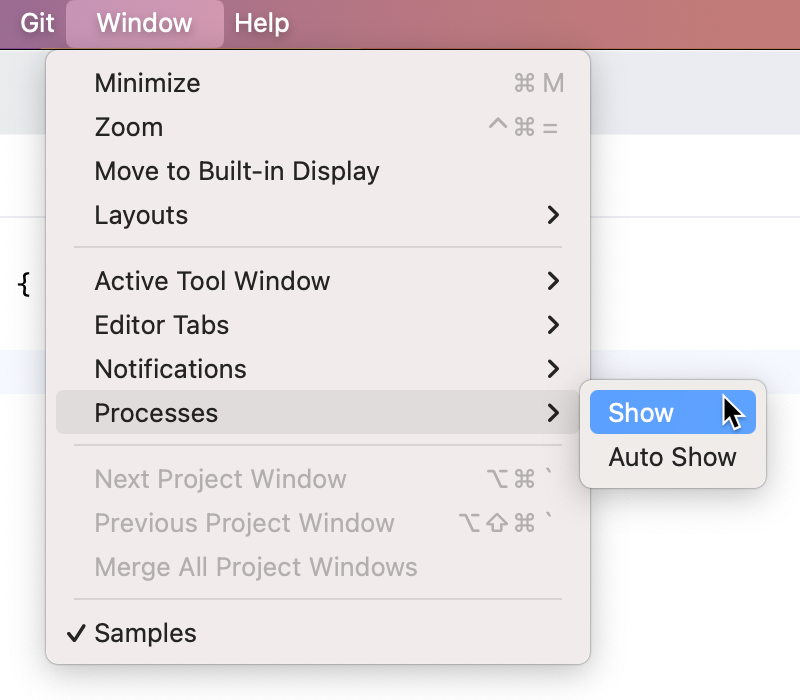
The Processes manager shows all the processes that are currently running in the background:
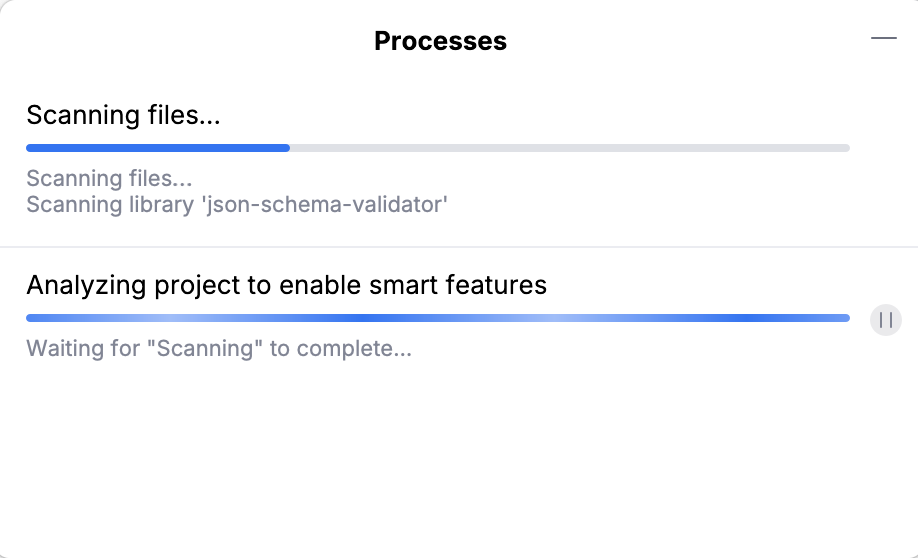
If necessary, you can pause or cancel some processes using the icons on the right side of the progress bars.
06 August 2026