File structure
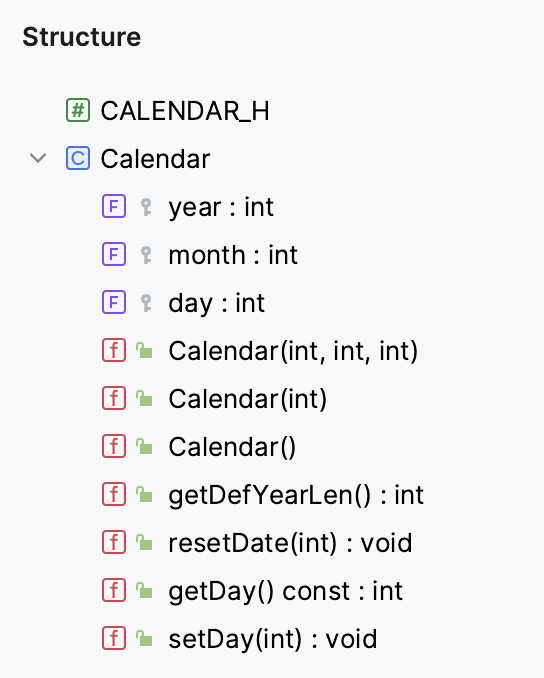
You can examine the structure of the file currently opened in the editor using the Structure tool window or the Structure popup. By default, CLion shows all the classes and functions presented in the current file.
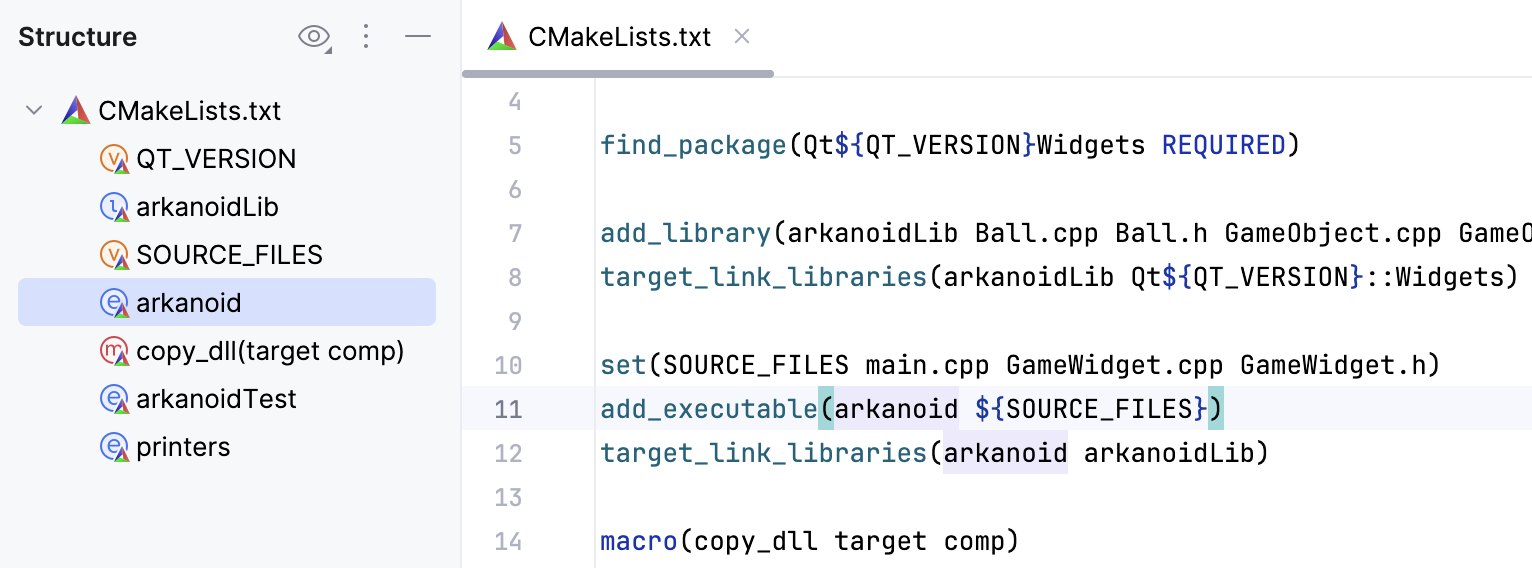
In CMake projects, you can also examine the structure of the CMakeLists.txt files, with its variables, functions, macros, and targets:
Open file structure
or Alt+7
This tool window displays the structure of a file currently opened in the editor and having the focus, or selected in the Project tool window.
or Ctrl+F12
This popup displays the structure of a file, currently opened in the editor and having the focus.
Locate a code element with the Structure view popup
You can use the structure view popup to locate a code element in the file you are working on.
To open the structure view popup, press Ctrl+F12.
In the popup, locate an item you need. You can start typing a name of the element for CLion to narrow down the search. Press Enter to return to the editor and the corresponding element.