Auto-import
When you reference a symbol that has not yet been imported, CLion helps you locate the file – which is typically a header that contains the declaration or definition of that symbol – and adds it to the list of includes.
Import a missing header file
Type a reference to a non-imported class or function.
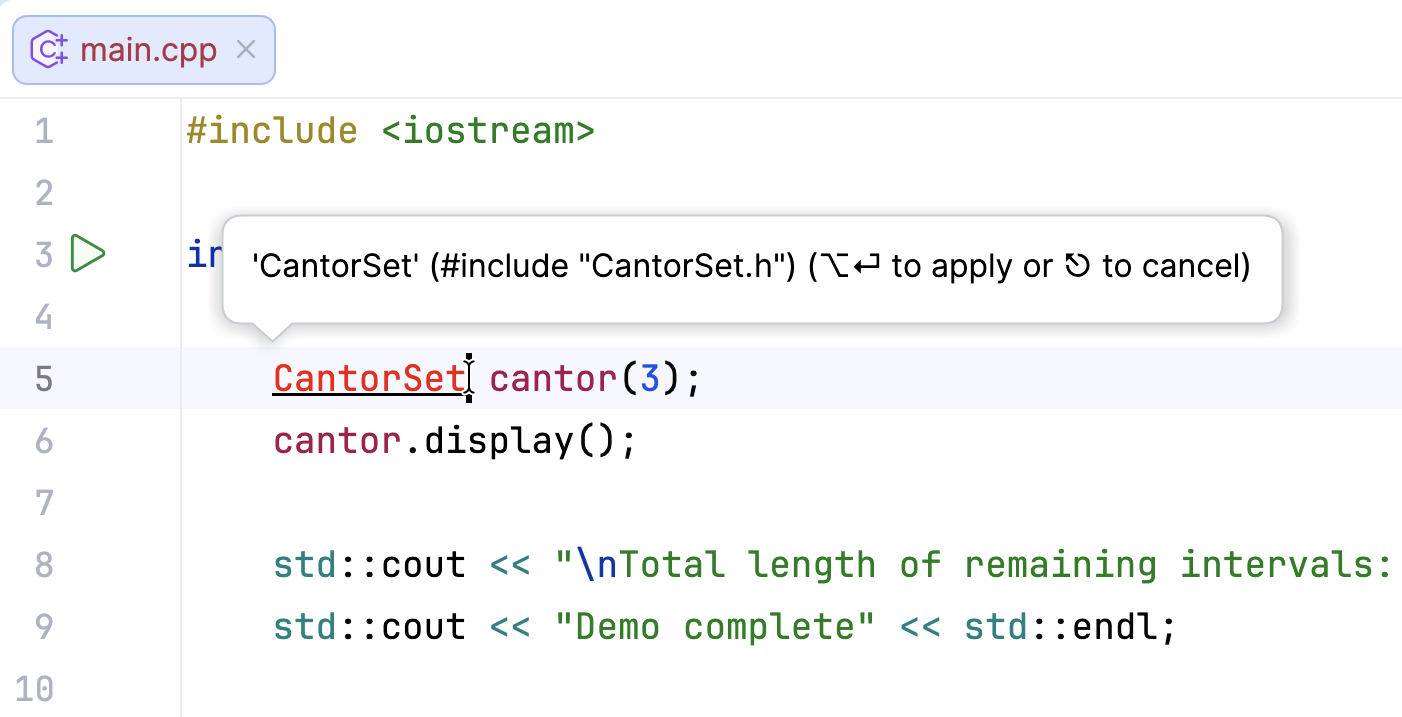
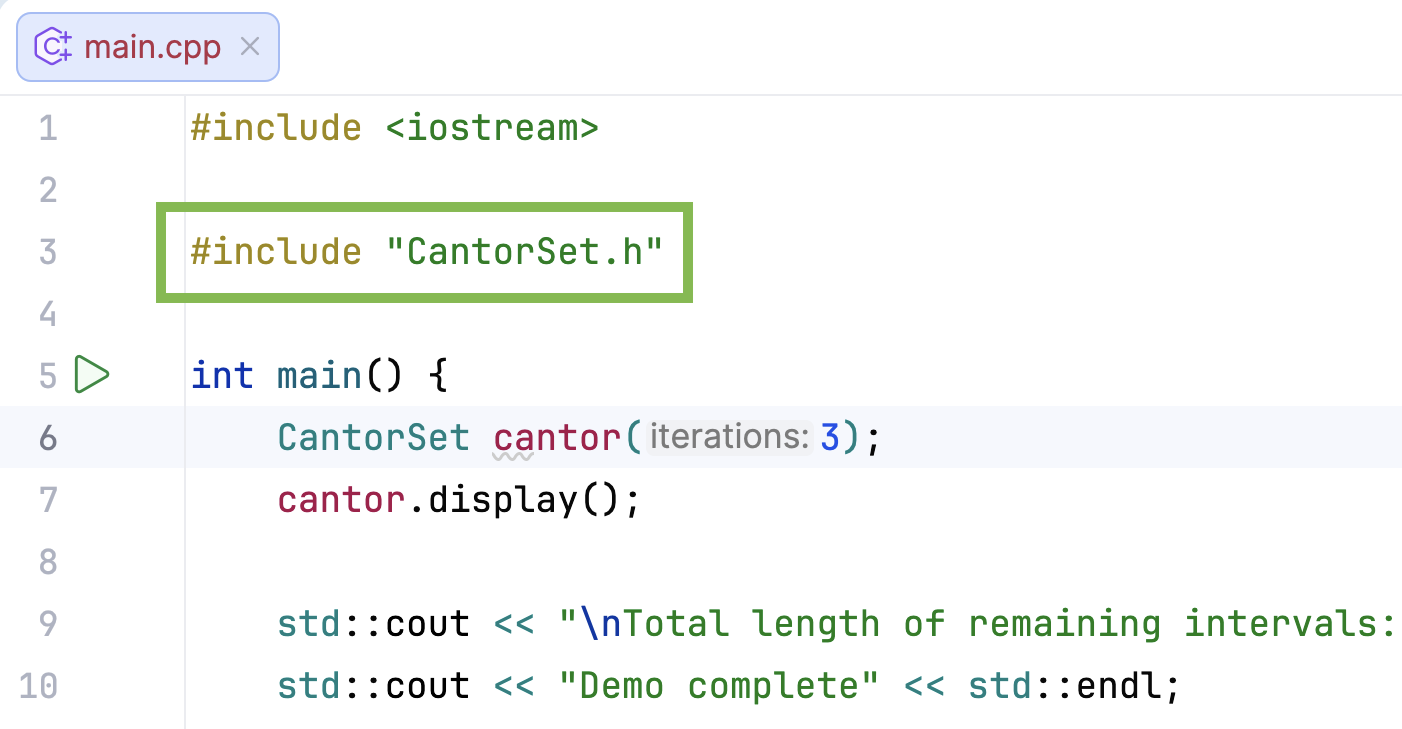
Press Alt+Enter. The import symbol will be added to the imports section:
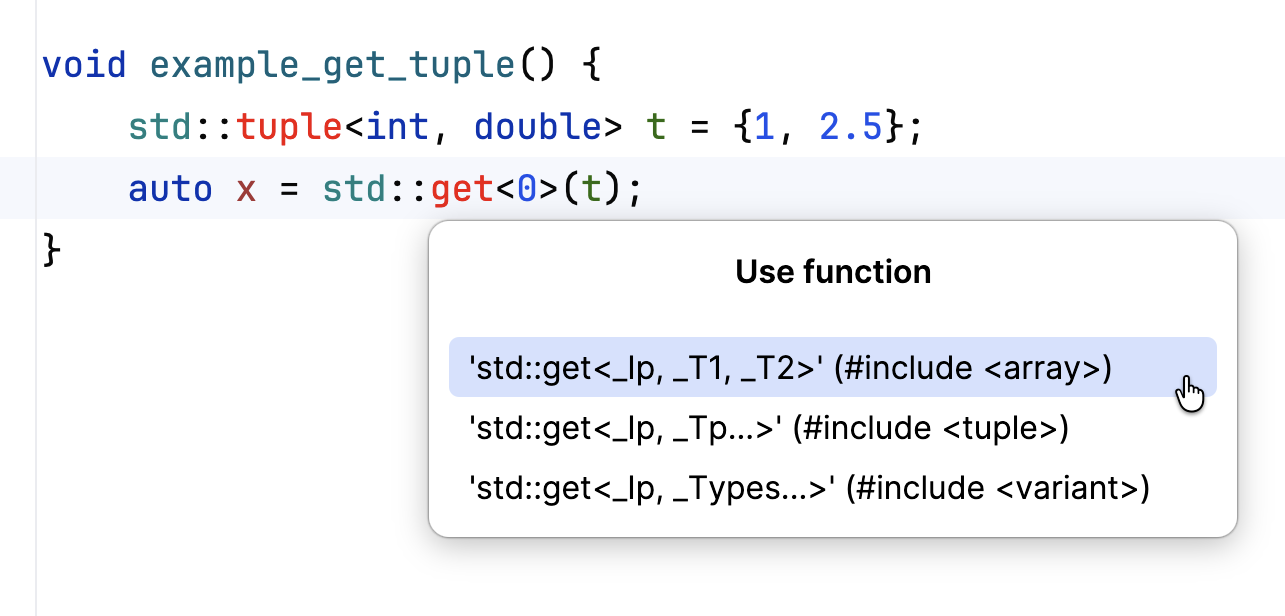
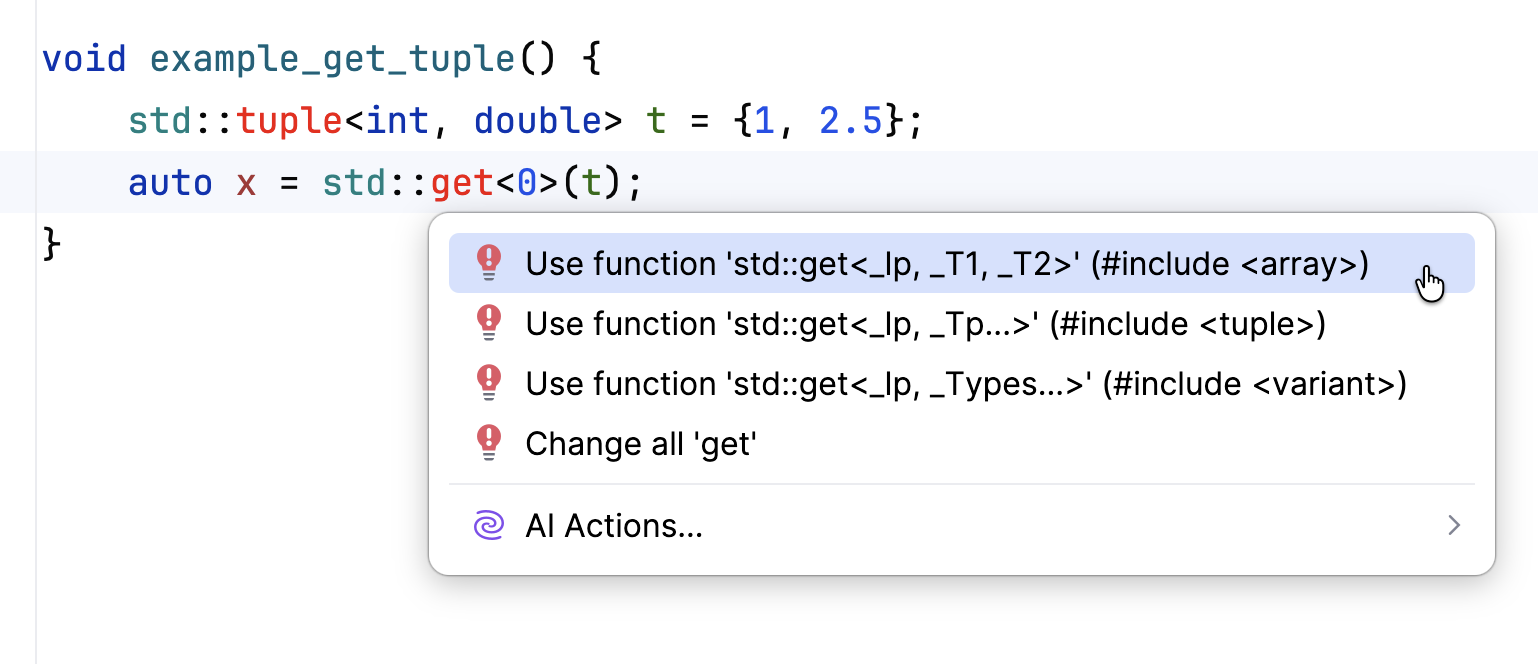
If there are multiple choices for auto import, you will see the corresponding popup:

Press Alt+Enter and select the preferred option from the list:
If the auto-import popup is disabled in , you will see a quick-fix when hovering over a non-imported symbol:
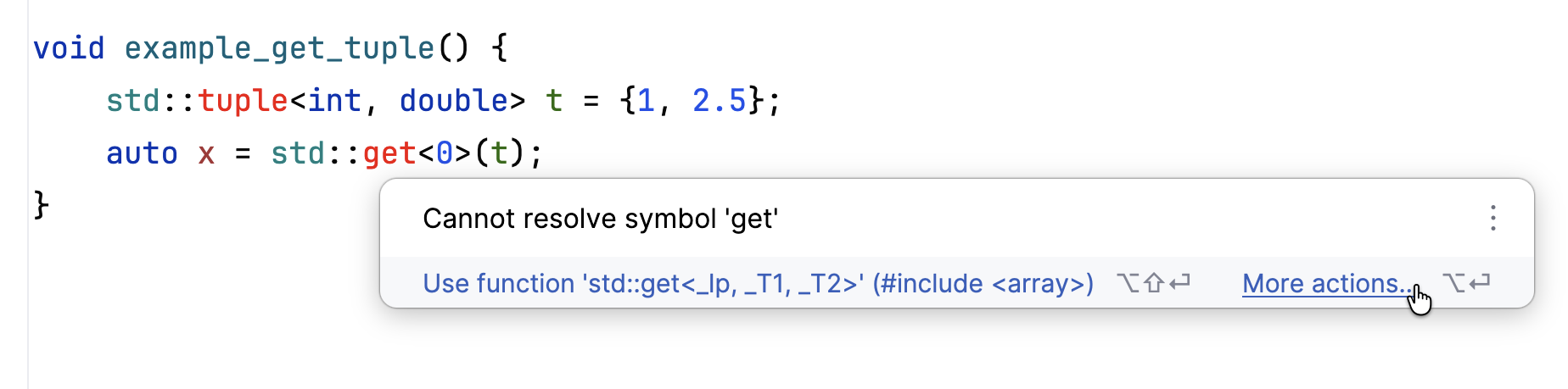
If there are multiple choices for auto import, click and select the preferred option from the list:
Configure auto-import
There are several settings that control the behavior of the auto-import feature.
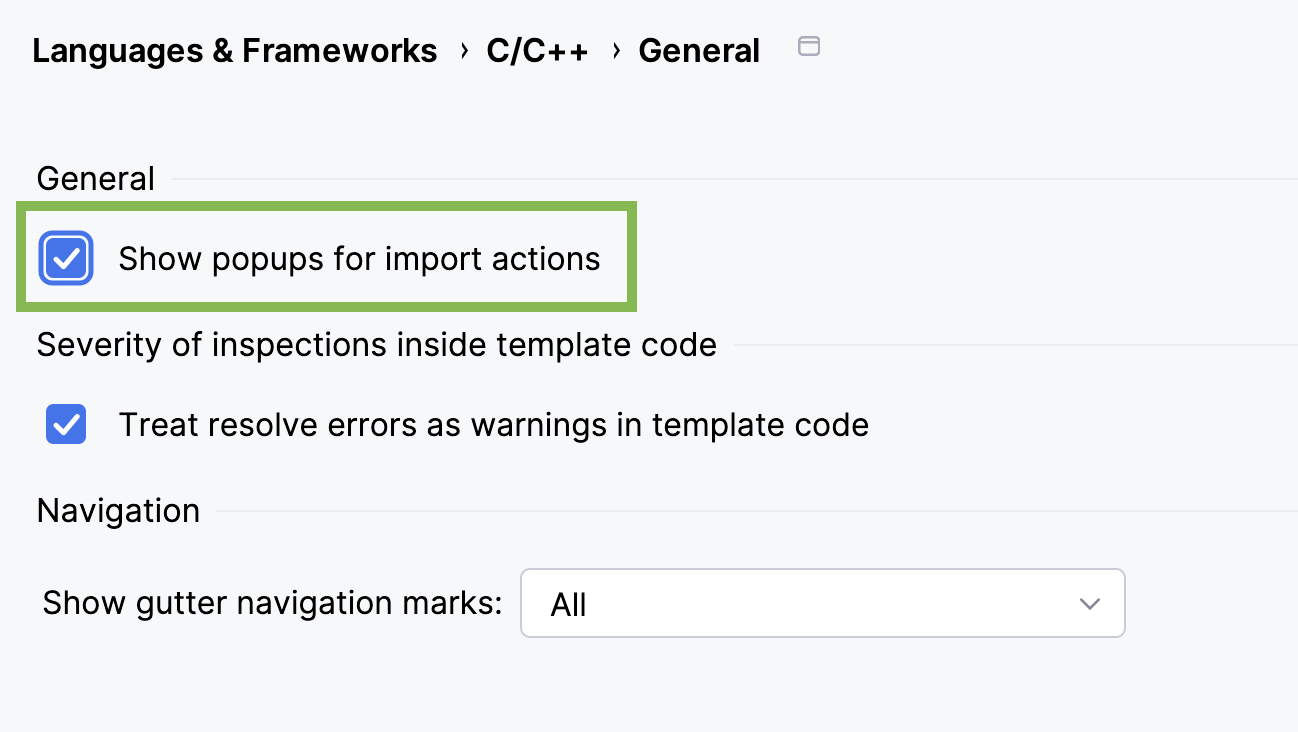
Enable or disable popups for import actions in :
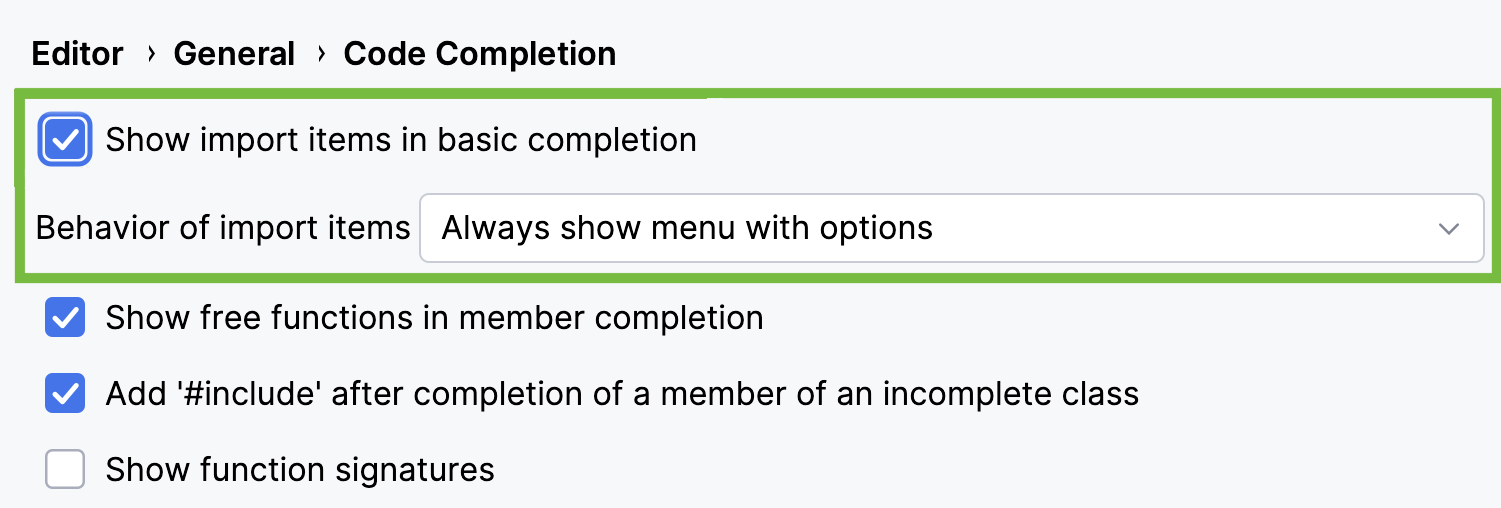
You can use auto-importing during code completion, which automatically adds include directives after completing a symbol. Configure this option in :
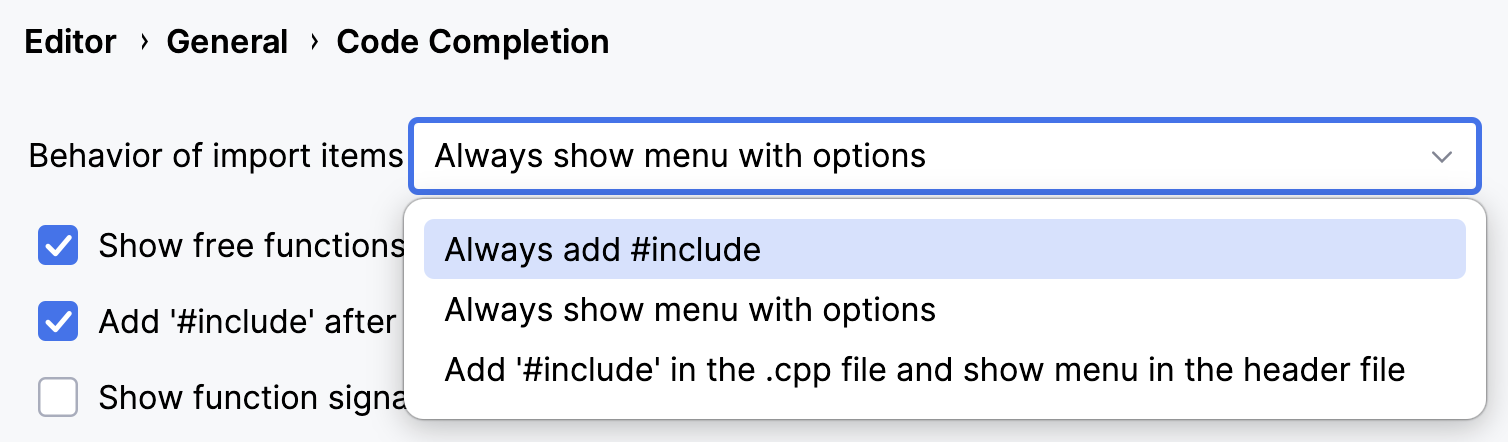
Select the preferred behavior for importing items from the drop-down list:
Below, you can also enable or disable the option .
There are also two syntax-related options in :
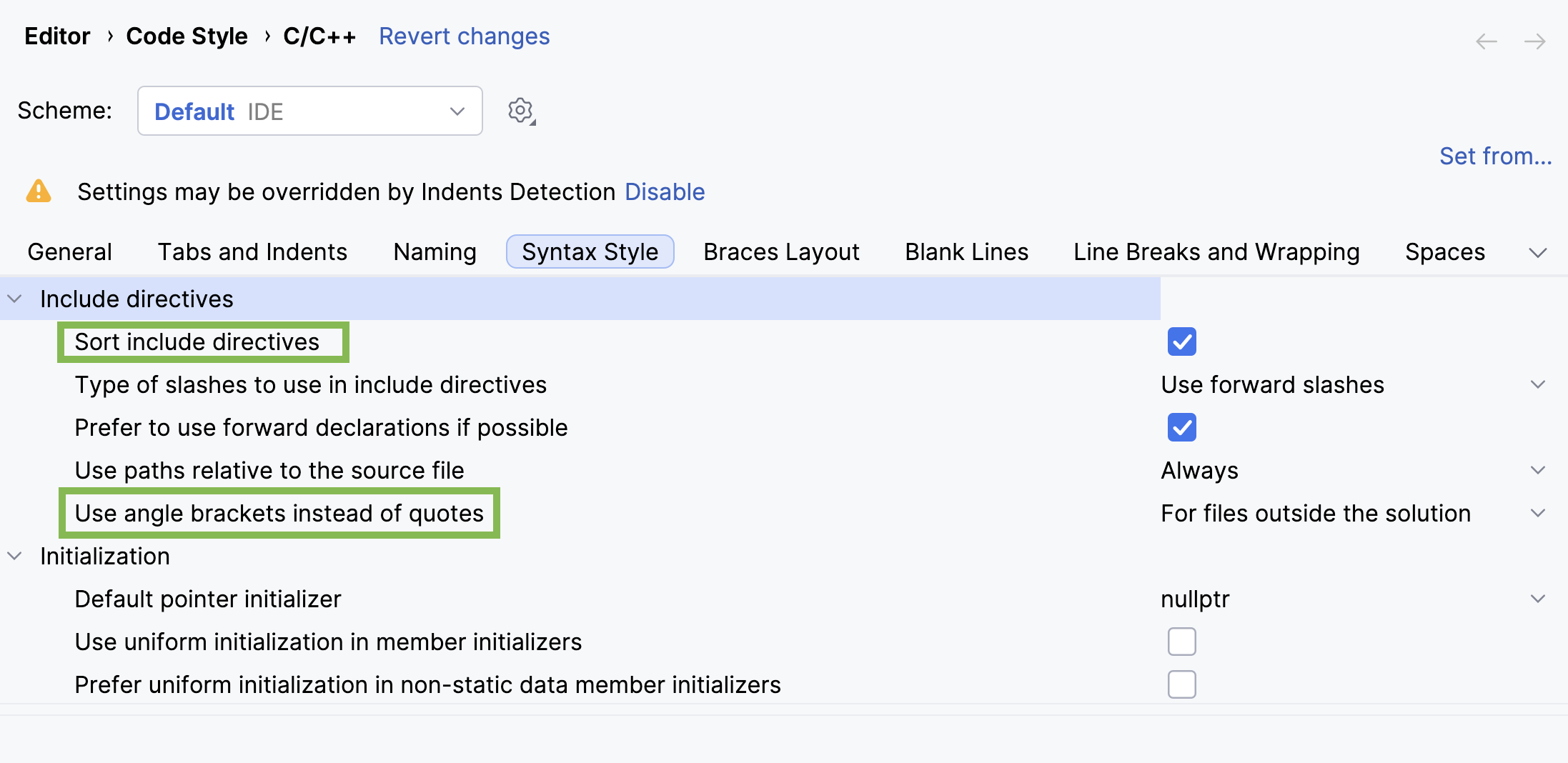
Option
Functionality
Highlights
#includedirectives that violate the sorting order.Allows you to specify cases where generated include directives are added in angle brackets.