Objective-C/C++
CLion enables you to work with Objective-C/C++ files as comprehensively and productively as with code written in C or C++.
You can open, create and add Objective-C/C++ files with .m and .mm extensions into your CMake or compilation database project, and use all of the features for code inspection, assistance and refactoring that CLion provides. Live and code templates are also available for Objective-C/C++ code. For more details, see CLion Features in Different Languages.
To configure Objective-C/C++ specific settings, use the following pages of the Settings/Preferences dialog Ctrl+Alt+S:
(and select the Code tab)
Enable code style and color scheme settings for Objective-C/C++
Press Ctrl+Shift+A or choose from the main menu. In the popup that opens, start typing
Registry, select the corresponding item and press Enter.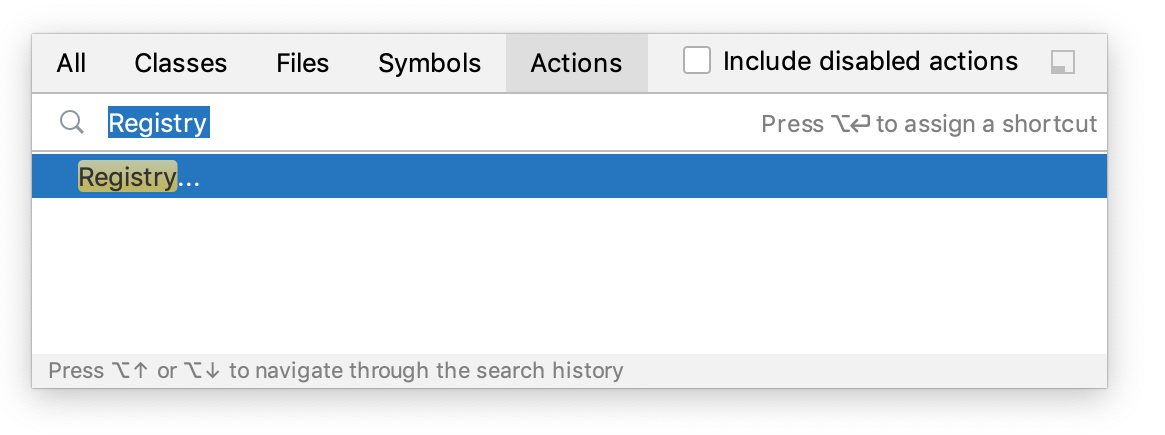
In the Registry dialog, start typing
clion.enable.objc.settingsand select the checkbox next to the corresponding key:
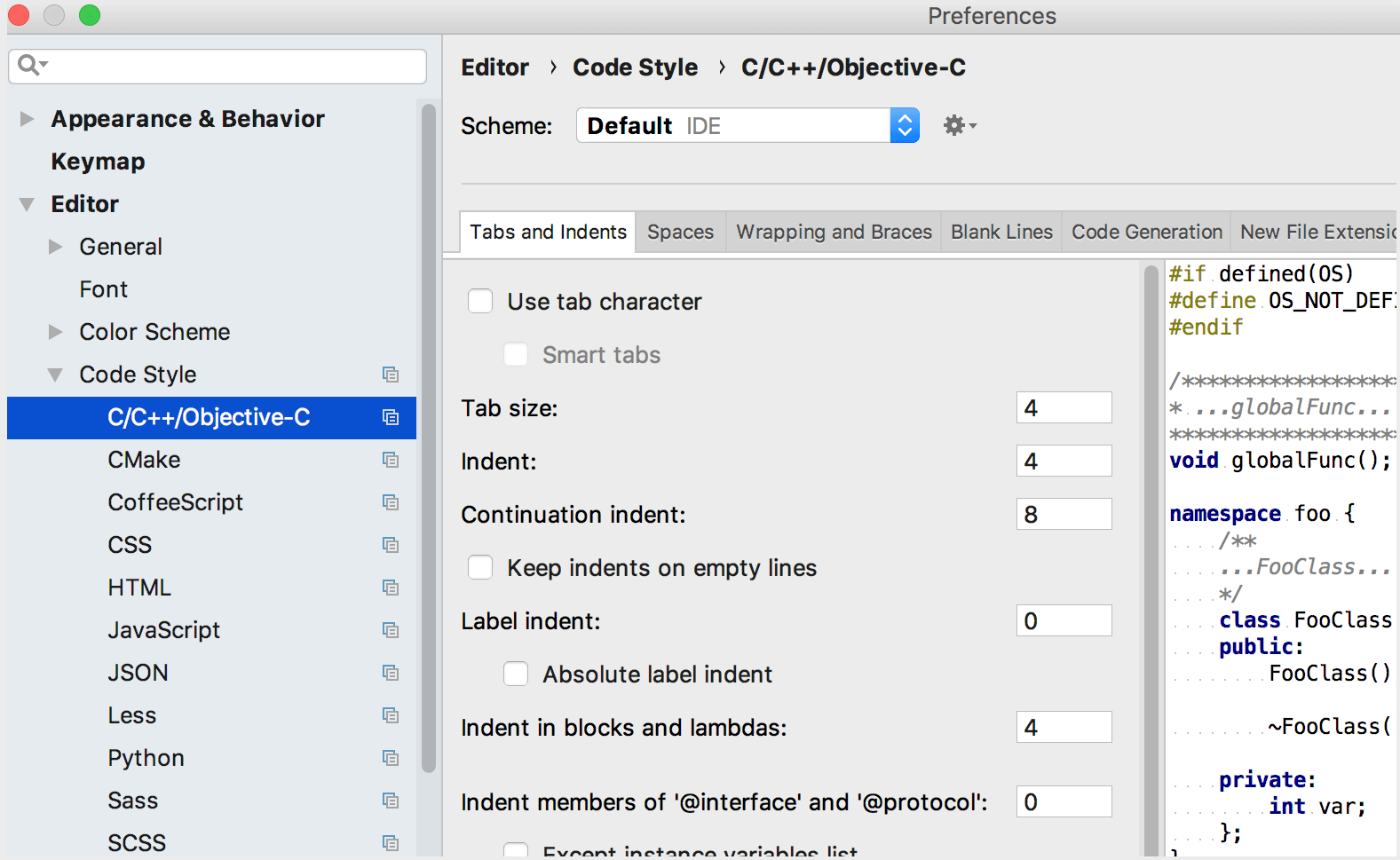
As a result, Color Schemes and Code Styles pages of the Settings/Preferences dialog now cover Objective-C/C++: