What′s New in dotCover
This page details the latest updates and changes in dotCover.
Performance refinements 2025.2
This release brings performance optimizations and a more streamlined experience to dotCover by focusing on modern, actively used technologies. To reduce overhead and improve coverage performance, we’ve retired support for features and technologies with minimal usage, based on current data.
Changes to runtime and framework support
Mono and Unity projects are no longer supported. Unity support will return once its runtime transitions to CoreCLR.
We’ve also phased out coverage support for legacy or rarely used application types, including:
- IIS Express
- WCF
- WinRT
- External .NET processes
- Mono (all variants)
- MAUI
These changes allow us to concentrate development efforts on the technologies most relevant to the majority of our users.
Command-line runner improvements
We’ve modernized the command-line runner to make it more consistent and aligned with current development workflows:
-
The
cover-dotnetcommand has been unified under a singledotcover covercommand for all target types. If no--targetExecutableis specified, dotCover will try to automatically detect the appropriatedotnetexecutable. -
XML-based configuration files are no longer supported. Instead, you can use plain-text files with command-line arguments, for example,
dotcover cover @args.txt. -
The standalone
dotcover.exerunner has been removed from the NuGet package. The CLI runner is now available exclusively as a .NET global or local tool (requires .NET 6 or later).
Coverage filtering updates
We’ve streamlined the filtering system in dotCover to keep it focused on the most useful and widely adopted options. To reduce complexity and maintenance overhead, some rarely used filters have been removed from both the UI and the CLI runner.
The following filter types are no longer supported:
- Filters by method and class
- File path filters
- In-source comment filters
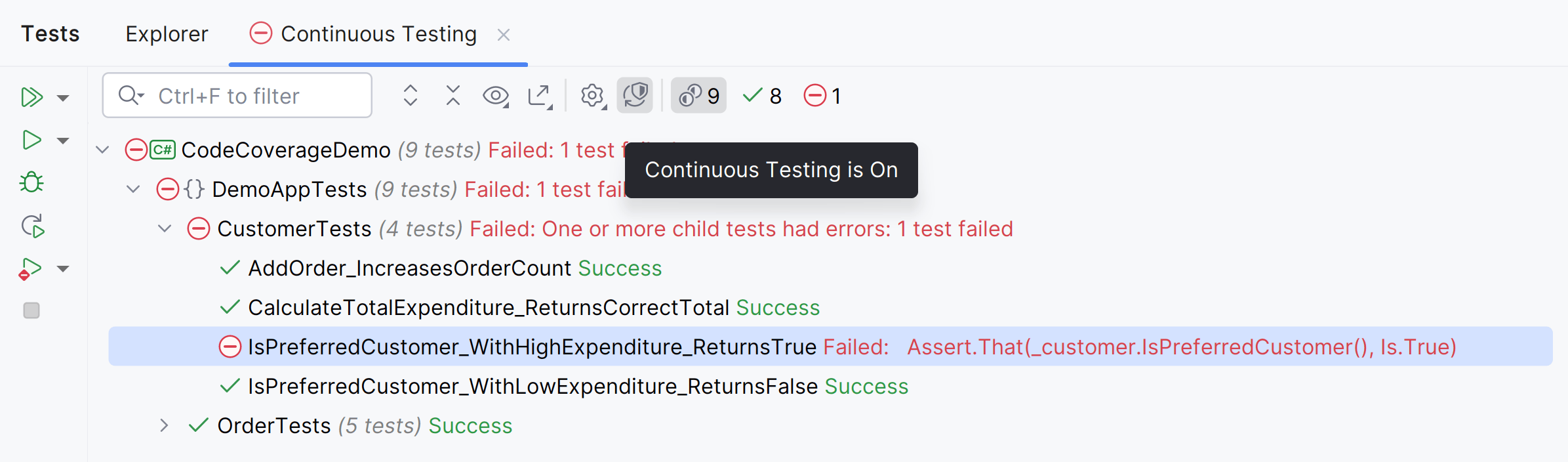
Reworked continuous testing 2024.2.3
We've reworked the continuous testing workflow to improve usability:
Previously, each unit test session could be converted into a continuous testing session, which could lead to confusion when multiple sessions are running.
Now, there is a single, separate continuous testing session. This change makes it easier to manage and understand your testing workflow.
Continuous testing indicator 2024.2.3
dotCover has a new icon for continuous testing in ReSharper and Rider. The icon shows the current testing state, including whether there are any failed tests. In addition, it provides several quick actions: enabling or disabling continuous testing, viewing coverage results, toggling code highlighting, and more.
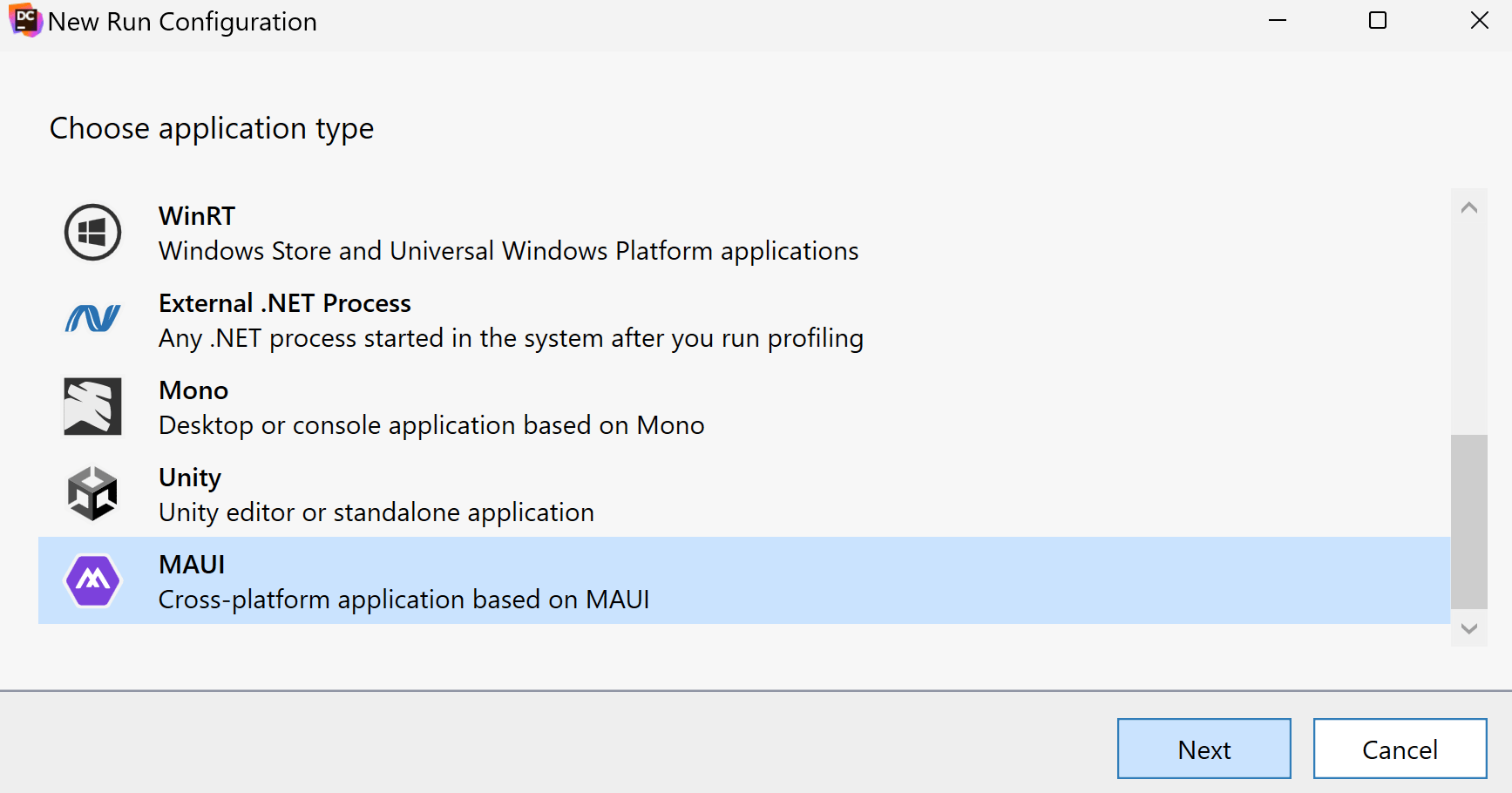
Support for MAUI applications 2024.1
Now, you can perform coverage analysis of unit tests and applications based on the MAUI framework. Currently, dotCover supports only WinUI desktop applications targeting .NET 7.0+ on Windows. This applies to dotCover standalone and dotCover in ReSharper and Rider.
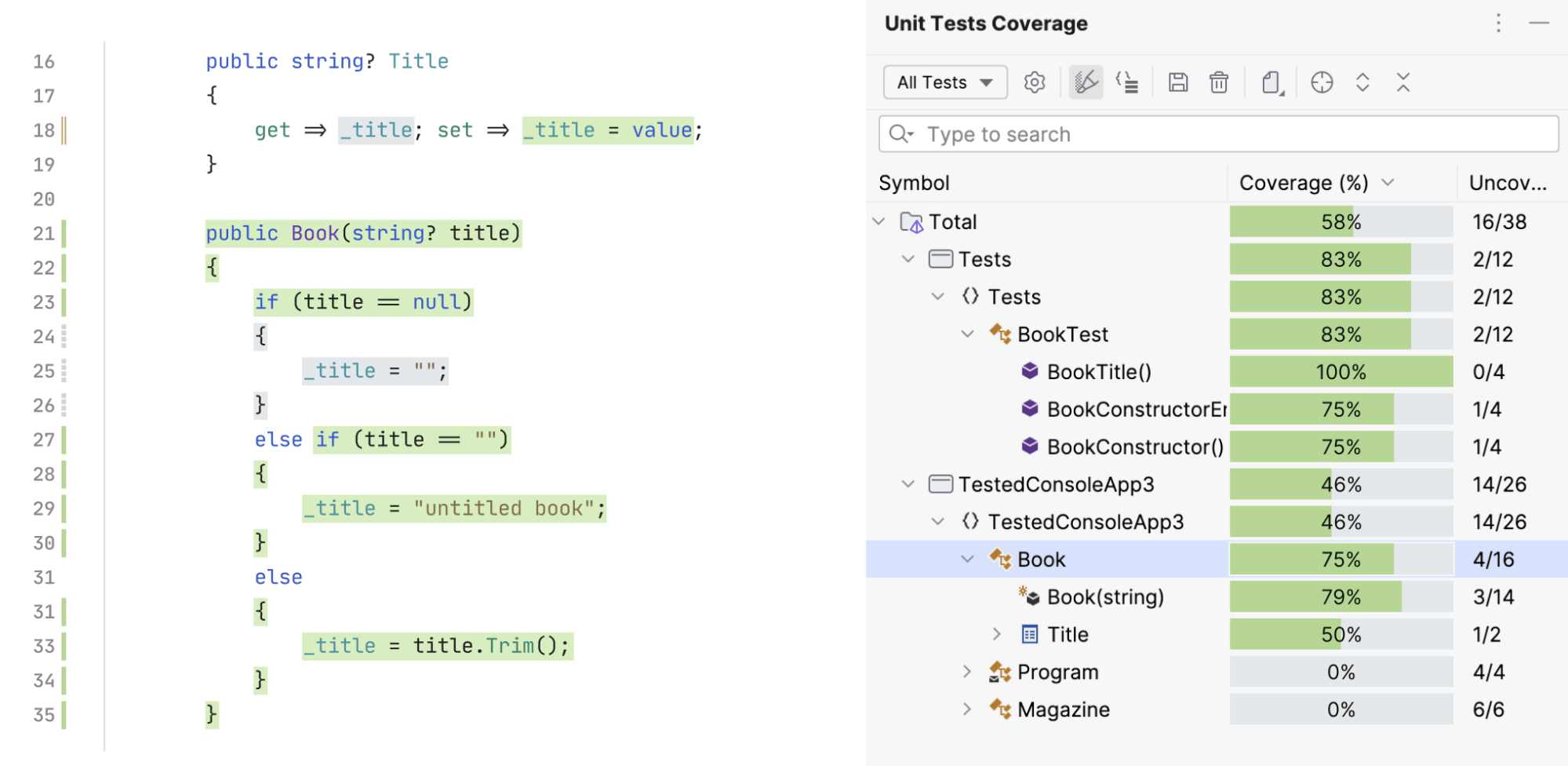
Improved coverage highlighting 2024.1
dotCover in Rider and ReSharper gets improved code highlighting: new background colors, a new gutter icon for partially covered code lines, and other minor changes.
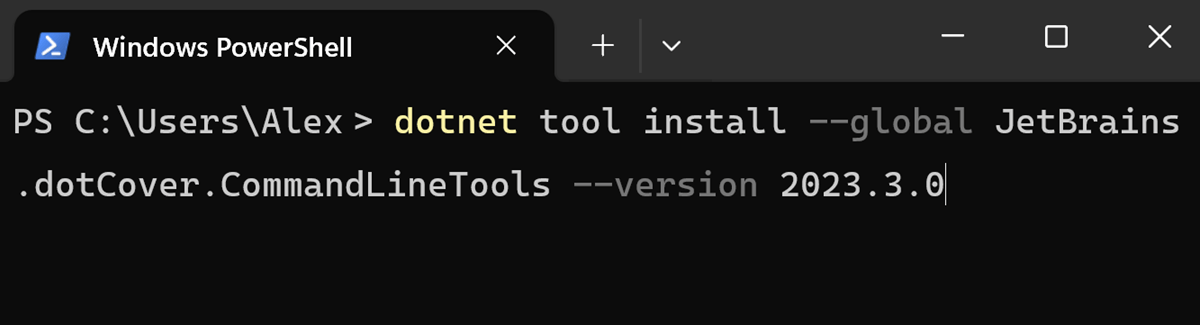
Improved command-line tools 2023.3
dotCover command-line tools are now provided as a cross-platform framework-dependent .NET tool.
This tool acts as a default solution for CI/CD scenarios and replaces the previous one.
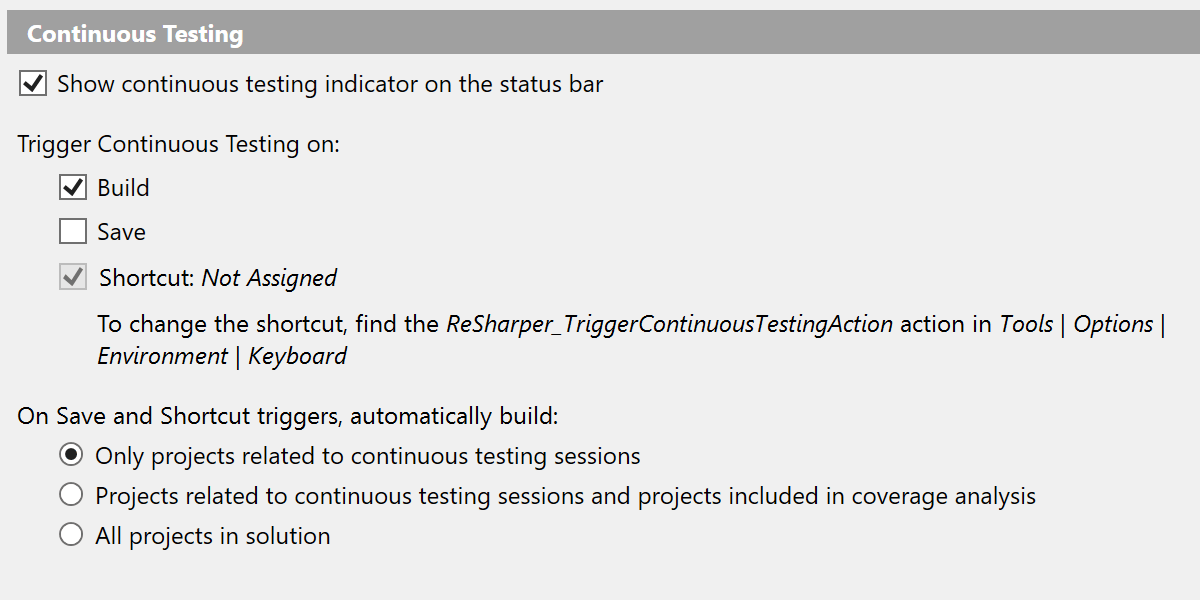
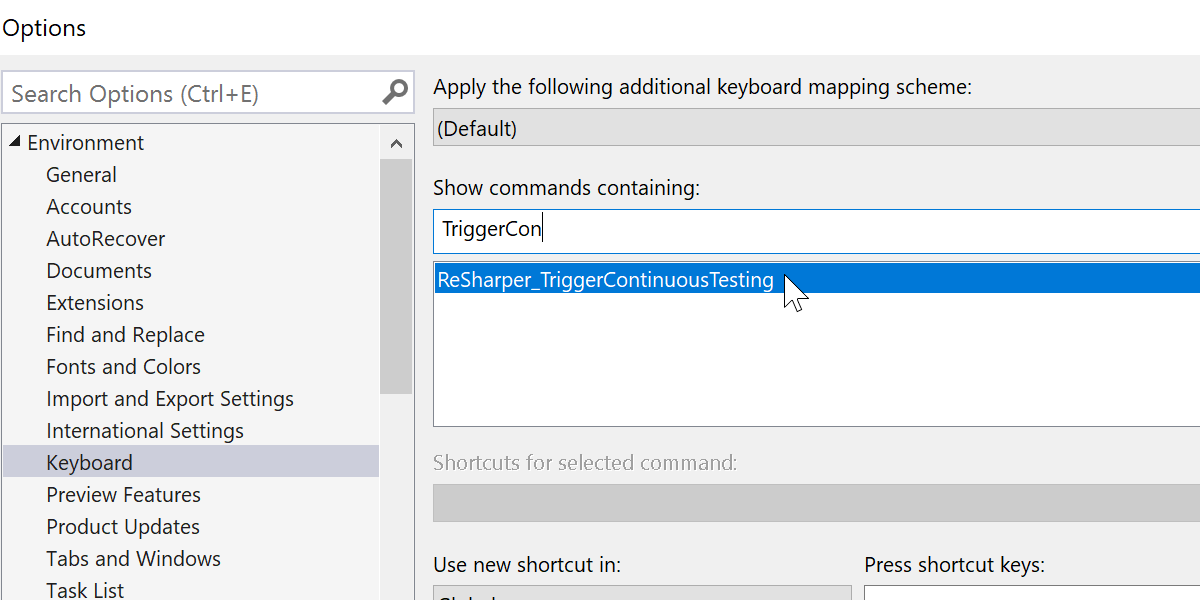
Shortcut for Continuous Testing 2023.1
Now, it's possible to trigger Continuous Testing directly by applying a shortcut. Previously, you could do this only indirectly by building or saving your project. This feature works in both Visual Studio with ReSharper and JetBrains Rider.